
Introduction
You’re in the middle of writing something important, and suddenly ChatGPT stops responding, loads forever, or throws an error message. Before you assume the worst, it’s worth knowing that most of these issues have a simple explanation and an even simpler fix. Here’s how to quickly figure out what’s actually going on.
First: Check If It’s Actually Down
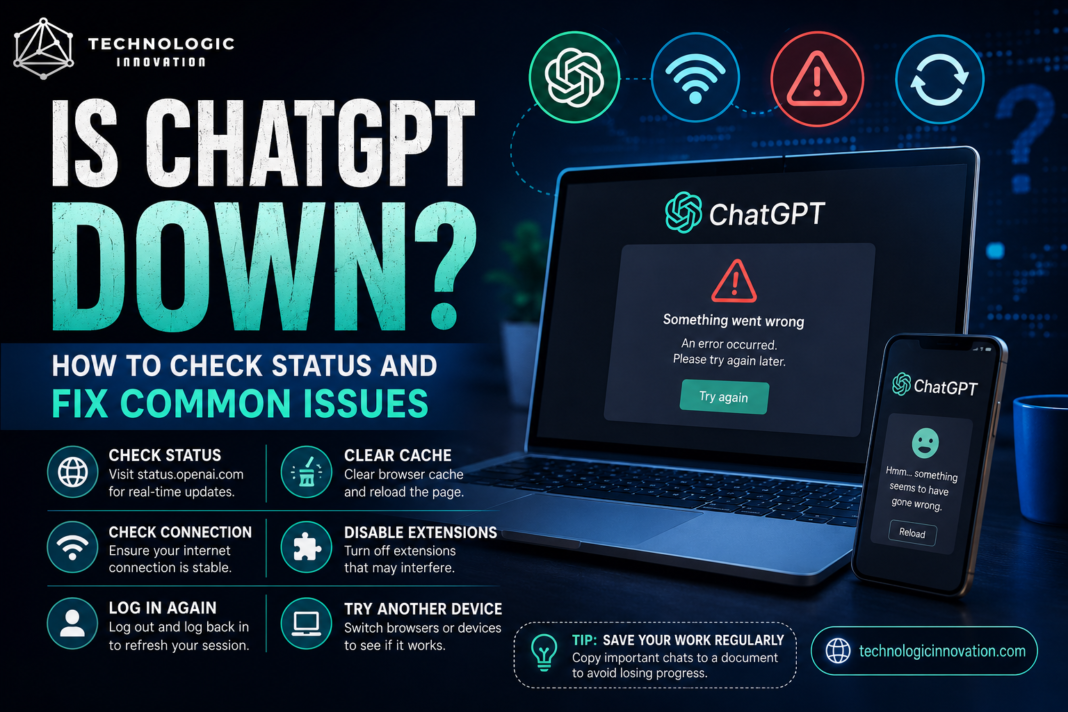
Before troubleshooting your own device, rule out a wider outage. OpenAI maintains a status page at status.openai.com, which shows real-time information about whether ChatGPT or related services are experiencing problems. Third-party sites like Downdetector also track user-reported outages, which can confirm if you’re not the only one having trouble.
If the status page shows everything running normally, the issue is likely on your end, and the fixes below should help.
Common Reasons ChatGPT Stops Working
High traffic periods : ChatGPT can slow down or become temporarily unresponsive during peak usage hours, since demand isn’t perfectly even throughout the day.
Browser or app cache issues: Stored data in your browser can sometimes conflict with how the site loads, causing pages to freeze or fail to respond properly.
Internet connection problems: A weak or unstable connection can make it look like ChatGPT itself is broken, when the actual issue is your network.
Server-side maintenance: OpenAI occasionally performs scheduled maintenance, which can cause brief interruptions that resolve on their own within a short window.
Account or billing issues: For paid plans, a payment processing problem can sometimes restrict access until it’s resolved.
Quick Fixes to Try First
Refresh the page: This solves a surprising number of temporary glitches and is always worth trying first.
Clear your browser cache: Go into your browser settings, clear cached data specifically for the site, and reload. This resolves loading issues caused by outdated stored data.
Try a different browser or device: If ChatGPT works fine on your phone but not your laptop (or vice versa), the problem is likely specific to that device or browser rather than ChatGPT itself.
Disable browser extensions temporarily: Ad blockers or privacy extensions can sometimes interfere with how chat interfaces load and function.
Check your internet connection: Try loading a different website to confirm your connection is stable before assuming the issue is on OpenAI’s end.
Log out and log back in: This can resolve session-related glitches that a simple refresh doesn’t fix.
When the Problem Is Actually on OpenAI’s Side
If the status page confirms an outage, there isn’t much to do except wait. Outages related to high traffic or server issues are usually resolved within minutes to a few hours. Checking the status page periodically, rather than repeatedly refreshing ChatGPT itself, is the more efficient way to know when service is restored.
Preventing Future Disruptions
Save your work regularly: For long conversations or important drafts, copying your text into a separate document protects you from losing progress if the service does become unresponsive.
Bookmark the status page: Having status.openai.com easily accessible saves time troubleshooting during future issues.
Consider having a backup AI tool: For situations where you need an AI assistant urgently, having a secondary tool you’re familiar with can keep you working during an outage.
Conclusion
Most ChatGPT issues come down to either temporary high-traffic slowdowns or simple browser and connection problems that clear up with a refresh or cache clear. Checking the official status page first saves time figuring out whether the issue is widespread or specific to your device, and having a quick troubleshooting routine means less frustration the next time something doesn’t load properly.
Related Reading
- Google AI vs OpenAI: Who Is Leading the AI Race in 2026?
- Best Free AI Image Generators 2026: Top Tools Worth Using
- Top AI Apps for Android Users 2026
FAQs
Q:01. How do I know if ChatGPT is down for everyone or just me? Check status.openai.com for official outage information, or Downdetector for user-reported issues, to confirm whether the problem is widespread.
Q:02. Why does ChatGPT sometimes load slowly during certain times of day? High traffic during peak usage hours can cause temporary slowdowns, since demand isn’t evenly spread throughout the day.
Q:03. Will clearing my browser cache delete my ChatGPT conversation history? No, your conversation history is stored on OpenAI’s servers tied to your account, not in your browser cache, so clearing cache won’t affect it.
Q:04. What should I do if ChatGPT is down during an urgent task? Save your current work in a separate document, check the status page for an estimated resolution time, and consider using a backup AI tool if you need immediate assistance.
Q:05. Can a VPN cause ChatGPT connection issues? Yes, some VPN connections can interfere with loading certain sites or trigger access restrictions, so disabling it temporarily can help identify if that’s the cause.