
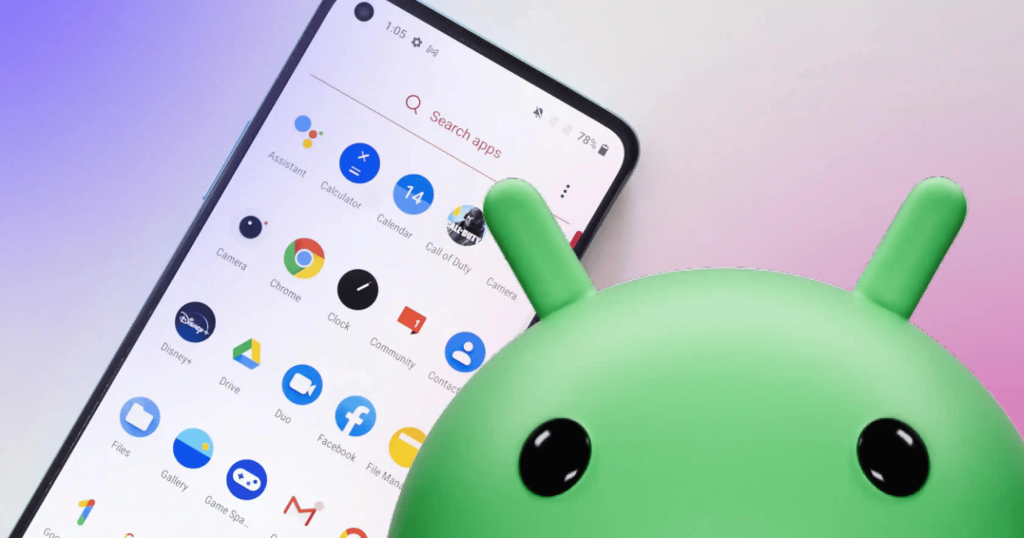
Artificial intelligence is no longer a futuristic idea. In 2026, AI apps have become daily tools for Android users. They help people write faster, edit photos, summarize meetings, generate videos, learn new skills, and automate tasks in seconds.
The best AI apps for Android users now go far beyond chatbots. Many work across multiple apps, understand voice commands, create content, and even predict what you need before you ask. Google is also adding deeper AI features directly into Android devices through Gemini Intelligence and contextual suggestions.
If you want to save time, boost productivity, or simply make your phone smarter, this guide covers the top AI apps worth using in 2026.
TL;DR
Here are the best AI apps for Android users in 2026:
| AI App | Best For |
|---|---|
| ChatGPT | Everyday AI assistant |
| Google Gemini | Android ecosystem integration |
| Perplexity AI | Research and real-time answers |
| Claude | Long documents and deep thinking |
| Microsoft Copilot | Work and productivity |
| Notion AI | Notes and organization |
| Otter.ai | Meetings and transcription |
| Runway | AI video creation |
| Canva AI | Quick design and content |
| Lensa AI | AI photo editing |
Best overall for most Android users: ChatGPT
Best for Google users: Gemini
Best for students and researchers: Perplexity AI
Why AI Apps Matter More in 2026
AI apps used to feel like experiments. Now they solve real problems.
People use AI on Android for:
- Writing emails
- Editing photos
- Creating videos
- Studying faster
- Summarizing PDFs
- Managing schedules
- Coding on mobile
- Voice transcription
- Language learning
- Smart search
Modern Android phones also support on-device AI processing. That means faster responses, better privacy, and offline features. Google’s new Android AI features now suggest actions based on user habits and context.
The result is simple: your smartphone becomes a true personal assistant.
What Makes a Great AI App for Android?
Not every AI app deserves storage space on your phone.
The best apps in 2026 usually offer:
Fast Performance
Nobody wants slow responses. Great AI apps respond instantly.
Android Integration
Apps that work with Gmail, Google Drive, Calendar, and Android widgets feel more useful.
Real-World Utility
Good AI apps solve daily problems instead of showing gimmicks.
Privacy and Security
Users now care more about where their data goes.
Multimodal Features
Top apps support:
- text
- voice
- image uploads
- documents
- video generation
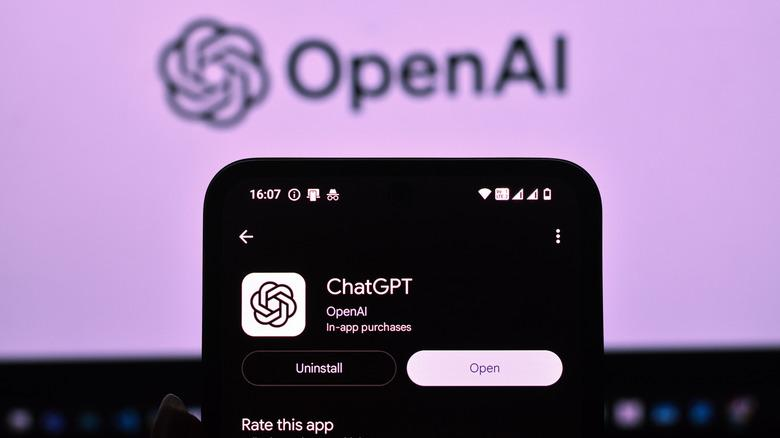
ChatGPT — Best Overall AI App for Android
Quick Answer
ChatGPT is the most versatile AI app for Android users in 2026.
It handles:
- writing
- brainstorming
- coding
- learning
- image generation
- voice conversations
- productivity tasks
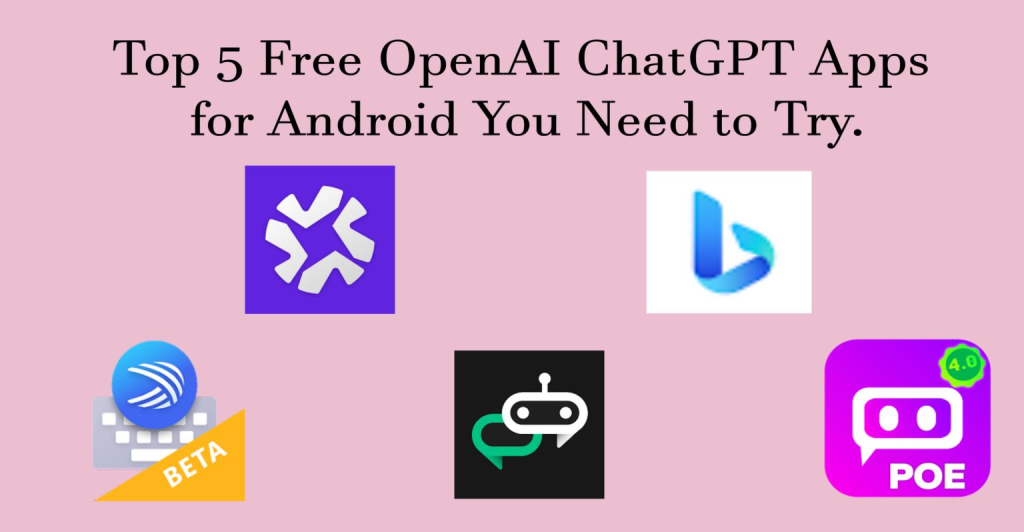
Several tech publications still rank ChatGPT as the top all-purpose AI assistant for Android.
Best Features
- Advanced conversational AI
- Voice interaction
- Image analysis
- Writing assistance
- Coding help
- AI memory features
- Cross-device syncing
Real-World Use Case
A freelance writer can:
- Generate blog ideas
- Create outlines
- Rewrite paragraphs
- Generate social captions
- Research topics
All from one app.
Pros
- Excellent natural conversations
- Great for students and creators
- Strong voice mode
- Reliable free plan
Cons
- Some advanced tools require subscription
- Heavy use can drain battery
Expert Tip
Use custom GPTs for specific workflows like:
- study help
- fitness coaching
- coding
- SEO writing
2. Google Gemini — Best AI App for Android Integration
Quick Answer
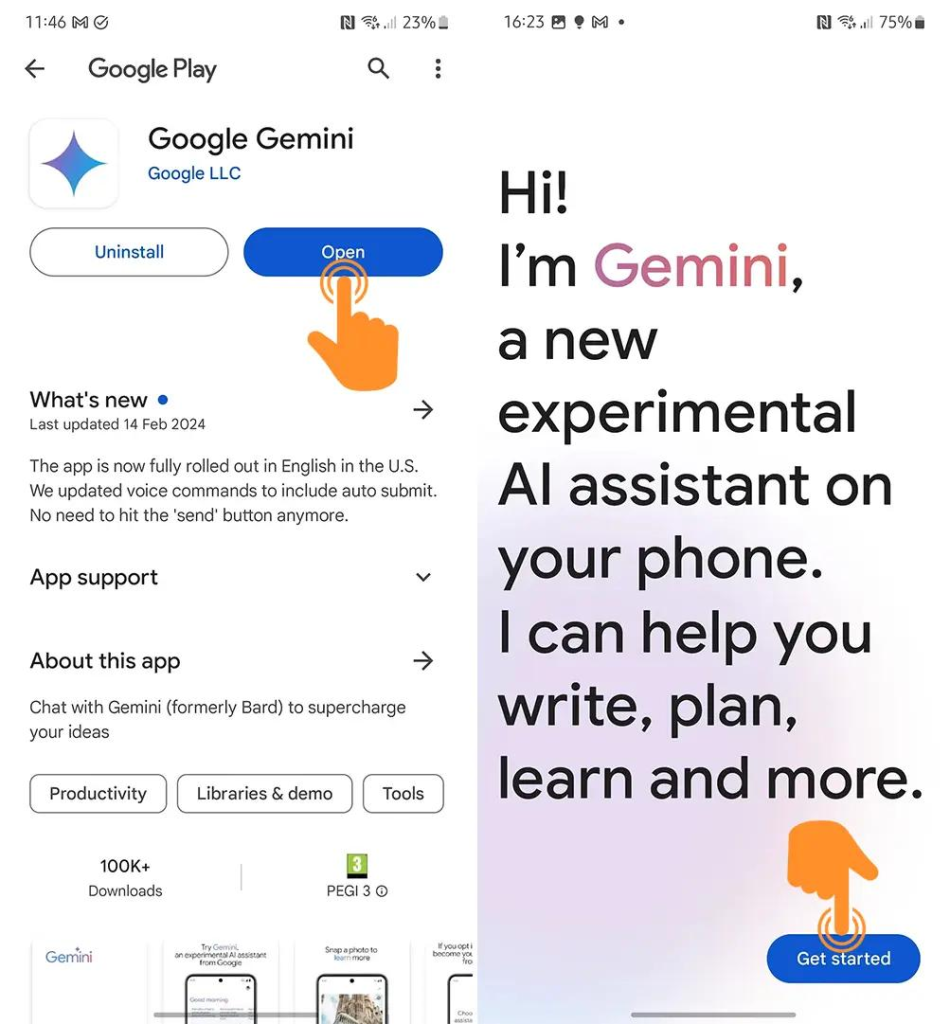
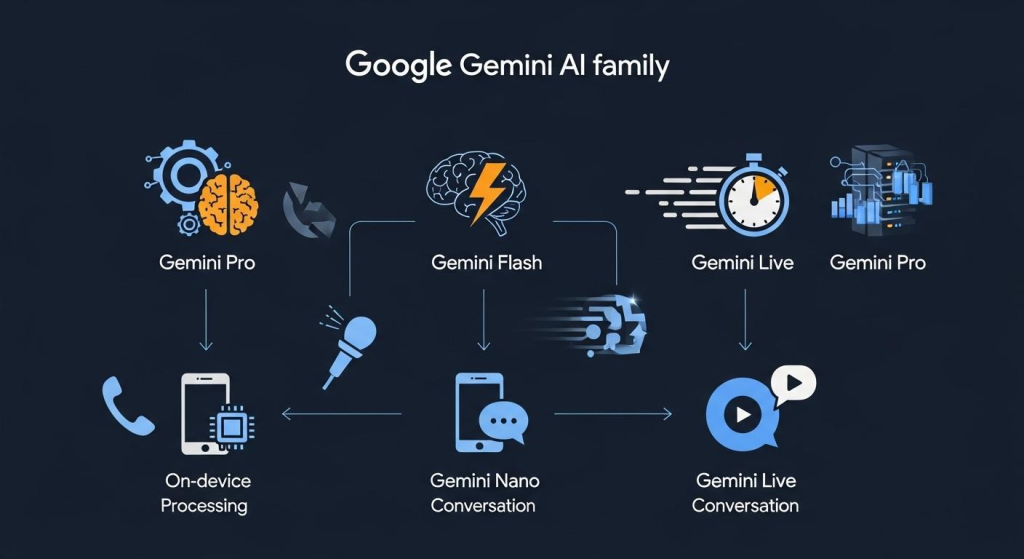
Gemini is the best AI assistant for Android users deeply connected to Google services.
Gemini integrates directly with:
- Gmail
- Docs
- Maps
- YouTube
- Drive
- Calendar
Many reviewers consider Gemini the strongest ecosystem-based AI app for Android.
Why Gemini Stands Out
Gemini feels native on Android.
You can:
- summarize emails
- organize schedules
- search documents
- interact with Google apps naturally
Best For
- Students
- Office workers
- Android power users
- Google Workspace users
Mini Case Study
A university student can:
- summarize lecture PDFs
- organize deadlines
- draft assignments
- create study notes
without switching apps repeatedly.
Pros
- Deep Android integration
- Excellent productivity features
- Real-time web access
- Smooth voice assistant experience
Cons
- Works best inside Google ecosystem
- Some premium features require subscription
3. Perplexity AI — Best for Research and Accurate Answers
Quick Answer
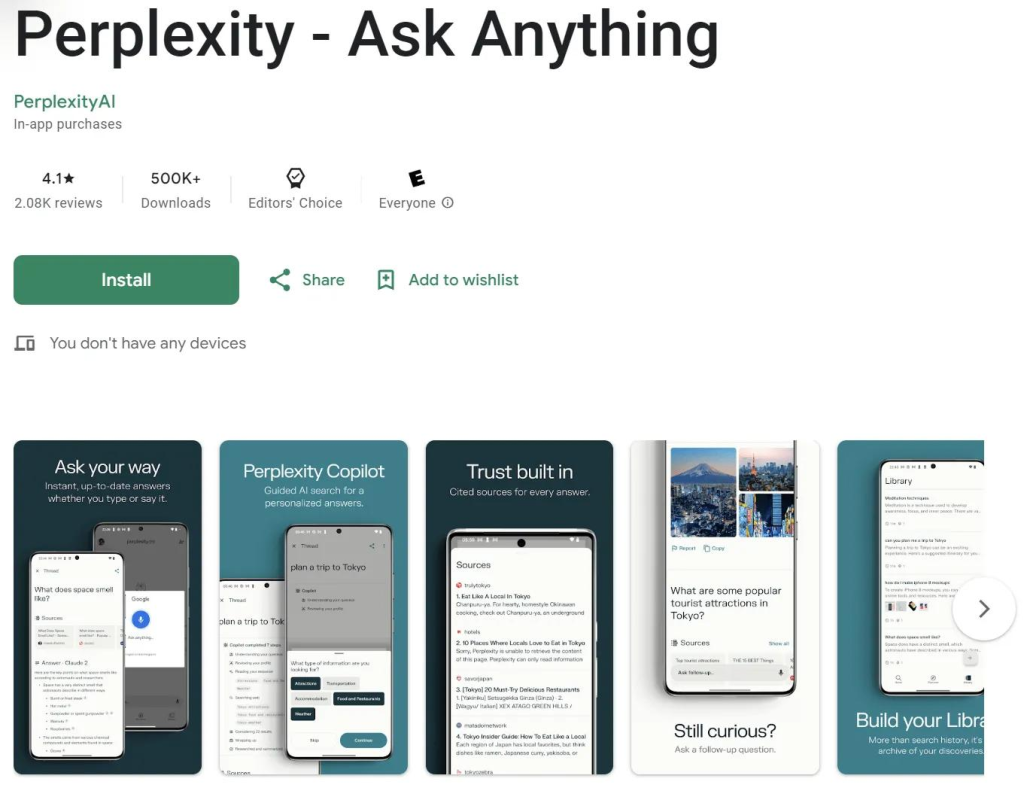
- Perplexity AI combines AI chat with search engine accuracy.
- Unlike many chatbots, it cites sources directly.
Why People Love It
Students and professionals use Perplexity because:
- answers feel factual
- citations improve trust
- research becomes faster
Android Central highlighted Perplexity for web navigation and source-backed responses.
Best Features
- Real-time search
- Source citations
- Research summaries
- Follow-up questions
- Fast answers
Best For
- Researchers
- Bloggers
- Journalists
- Students
Mistake to Avoid
- Do not rely only on AI summaries.
- Always verify important information from original sources.
4. Claude — Best for Long Documents and Deep Analysis
Quick Answer
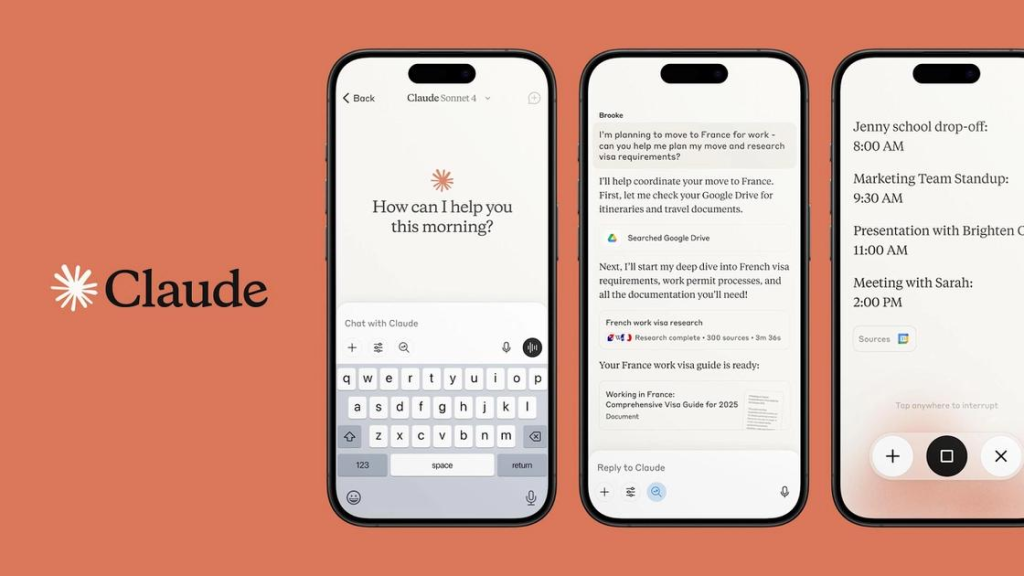
Claude excels at understanding large documents and thoughtful conversations.
Many power users now use Claude alongside ChatGPT.
Why Claude Is Different
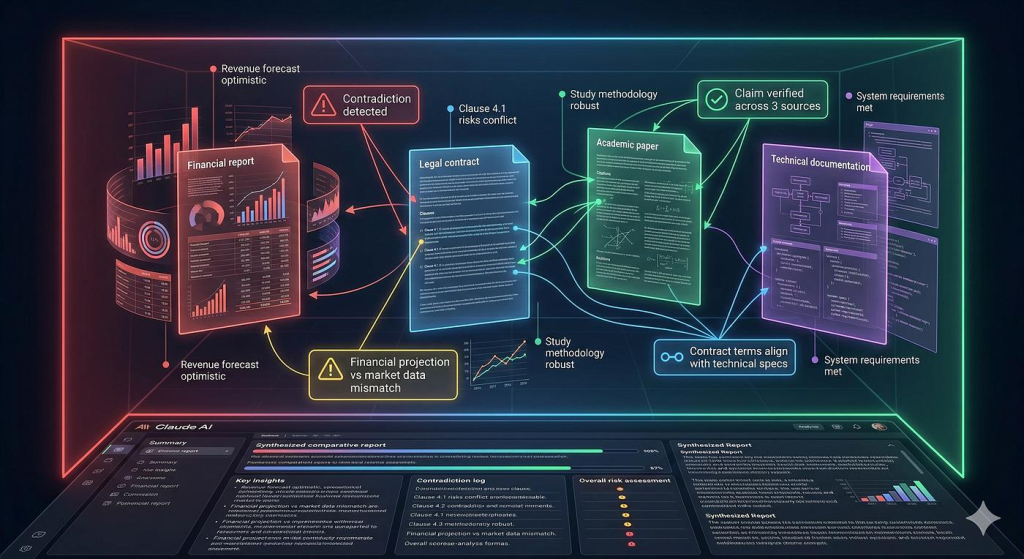
Claude handles:
- long PDFs
- research papers
- complex reasoning
- detailed writing tasks
better than many competitors.
Best Features
- Massive context window
- Calm conversational style
- Strong reasoning
- Great writing quality
Best For
- Researchers
- Analysts
- Lawyers
- Technical users
Pros
- Excellent document handling
- Human-like writing
- Great for strategy work
Cons
- Limited image generation
- Lower free usage limits
5. Microsoft Copilot — Best for Productivity
Quick Answer
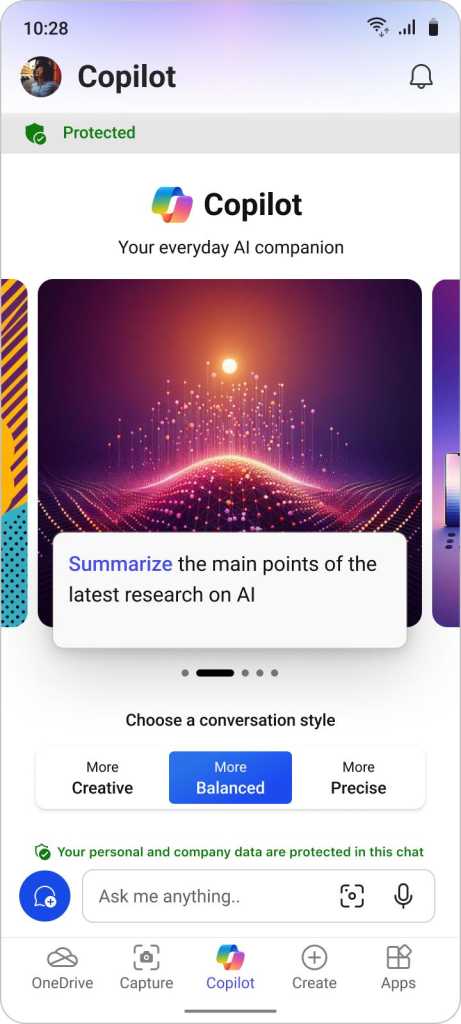
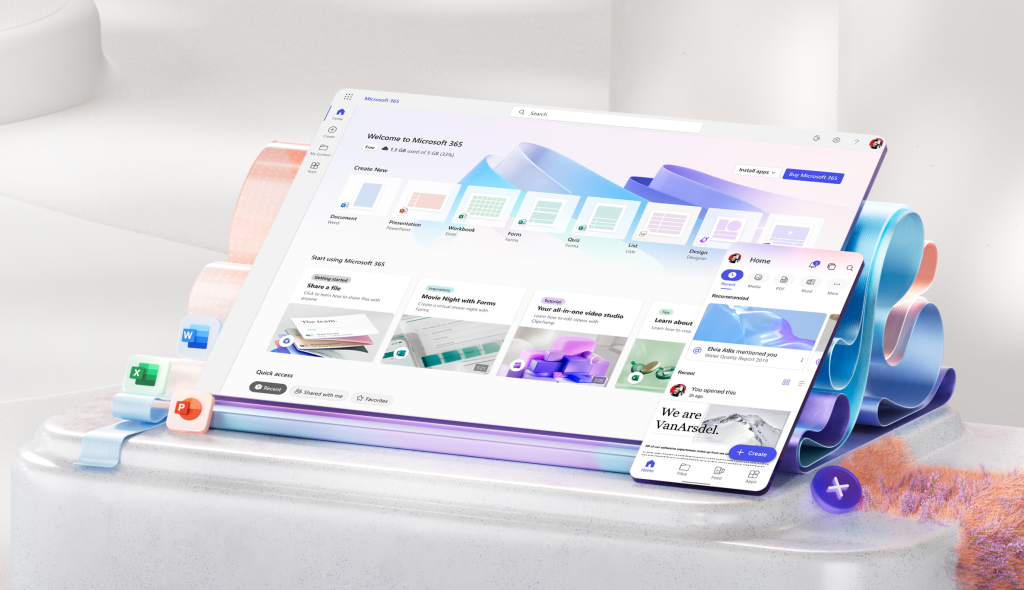
Copilot is ideal for professionals already using Microsoft 365.
It works especially well with:
- Word
- Excel
- Outlook
- Teams
Best Features
- AI document drafting
- Spreadsheet help
- Email assistance
- Business productivity
Android Central named Copilot among the strongest productivity-focused AI apps.
Real-World Example
A sales manager can:
- summarize meetings
- draft proposals
- analyze spreadsheets
- create presentations
directly from mobile.
6. Notion AI — Best for Organization and Notes
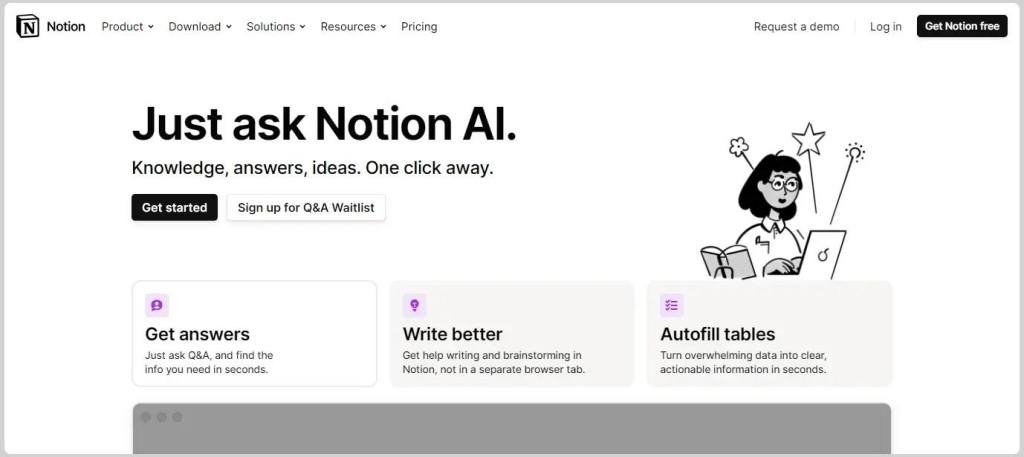
Quick Answer
Notion AI transforms note-taking into an intelligent workspace.
Best Features
- AI summaries
- Task generation
- Writing support
- Project organization
- Smart search
Best For
- Teams
- Students
- Creators
- Startup founders
Expert Observation
- People who already use Notion become far more productive after enabling AI features.
- The app reduces context switching dramatically.
7. Otter.ai — Best for Meetings and Voice Notes
Quick Answer
- Otter.ai converts conversations into searchable text.
- It is one of the best transcription apps for Android.
Best Features
- Live transcription
- Meeting summaries
- Speaker identification
- Searchable notes
Best For
- Journalists
- Students
- Teams
- Remote workers
Practical Tip
Record brainstorming sessions using Otter.
You will never lose ideas again.
8. Runway — Best AI Video Generator for Android Creators
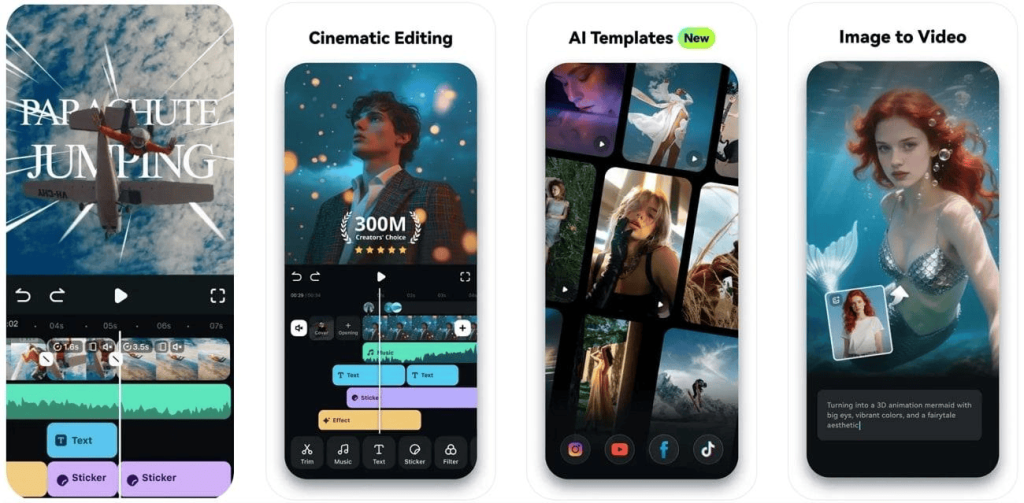
Quick Answer
Runway helps creators generate and edit videos using AI.
What Makes It Powerful
You can:
- remove backgrounds
- generate clips
- animate images
- create cinematic effects
without desktop software.
Best For
- YouTubers
- TikTok creators
- Instagram creators
- marketers
Pros
- Fast content creation
- Beginner-friendly
- Creative automation
Cons
- Rendering may require strong internet
- Premium features cost more
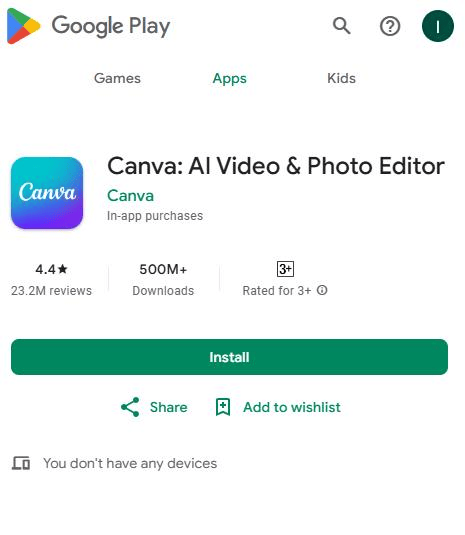
9. Canva AI — Best for Social Media Content
Quick Answer
Canva AI helps users create professional graphics quickly.
Best Features
- AI image generation
- Magic resize
- AI text suggestions
- Social media templates
Best For
- Small businesses
- Influencers
- Bloggers
- marketers
Common Mistake
- Many beginners overload designs with effects.
- Keep visuals clean and simple.
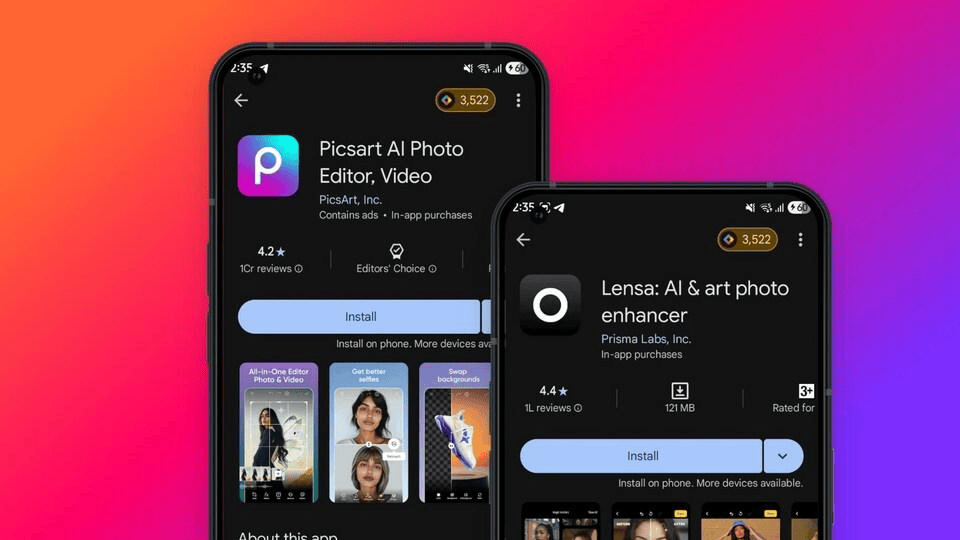
10. Lensa AI — Best AI Photo Editing App
Quick Answer
Lensa remains one of the top AI-powered photo editing apps for Android.
Best Features
- AI portraits
- Background enhancement
- Face retouching
- Artistic filters
Best For
- Instagram users
- Content creators
- Casual photographers
Pro Tip
Use AI editing lightly.
Natural-looking photos perform better on social media.
Best AI Apps by Category
| Category | Best App |
|---|---|
| Best Overall | ChatGPT |
| Best for Android Ecosystem | Gemini |
| Best for Research | Perplexity |
| Best for Writing | Claude |
| Best for Productivity | Copilot |
| Best for Video Creation | Runway |
| Best for Design | Canva AI |
| Best for Notes | Notion AI |
| Best for Meetings | Otter.ai |
| Best for Photos | Lensa |
Free vs Paid AI Apps: What Should You Choose?
Free AI Apps Are Great For
- casual users
- students
- basic productivity
- testing features
Paid Plans Make Sense If You:
- create content daily
- work professionally
- need faster responses
- use AI for business
- generate media frequently
Typical Pricing in 2026
| App | Starting Price |
|---|---|
| ChatGPT Plus | $20/month |
| Gemini Pro | $19.99/month |
| Claude Pro | $20/month |
| Copilot Pro | $20/month |
Pricing changes frequently.
Important Privacy Tips for AI App Users
AI apps process large amounts of personal data.
Follow these best practices:
- Avoid uploading sensitive documents
- Enable two-factor authentication
- Review app permissions
- Check privacy policies
- Use secure passwords
Android’s newer AI systems now process more tasks locally for improved privacy.
Common Mistakes Android Users Make With AI Apps
Installing Too Many AI Apps
Most users only need:
- one main chatbot
- one creative app
- one productivity tool
Trusting AI Blindly
AI can still make mistakes.
Verify:
- statistics
- medical advice
- financial information
- legal guidance
Ignoring Workflow Integration
The best AI app is the one that fits your daily routine.
Future of AI Apps on Android
AI on Android is evolving rapidly.
Major trends in 2026 include:
- on-device AI processing
- AI-powered automation
- smarter voice assistants
- contextual suggestions
- multimodal interaction
- AI-generated interfaces
Google’s Android ecosystem is moving toward predictive assistance that understands habits and intent automatically.
The next generation of AI apps may feel less like tools and more like digital companions.
FAQ
What is the best AI app for Android in 2026?
ChatGPT is currently the best overall AI app for most Android users because of its versatility and strong feature set.
Which AI app is best for students?
Perplexity AI and Gemini are excellent for students because they help with research, summaries, and study organization.
Are AI apps safe to use?
Most mainstream AI apps are reasonably safe, but users should avoid uploading sensitive personal or financial information.
Which AI app works best offline?
Google is expanding offline AI features through Android AI processing, while some lightweight AI tools now support limited offline capabilities.
Is ChatGPT better than Gemini?
It depends on your needs.
- ChatGPT is more flexible overall.
- Gemini integrates better with Android and Google apps.
Related Reading
- ChatGPT vs Other AI Tools: Which One Is Better for Content Creation?
- How to Make Money Online Using AI Tools (Beginner Guide 2026)
- Best Free AI Marketing Tools for Social Media Growth
Conclusion
AI apps are changing how Android users work, learn, create, and communicate.
In 2026, the best AI apps are not just smart. They are practical.
ChatGPT remains the strongest all-around assistant. Gemini dominates Android integration. Perplexity leads research. Claude shines with deep thinking and long-form analysis.
The right combination of AI apps can save hours every week.
Start small:
- choose one productivity app
- one creative app
- one research assistant
Then build a workflow that actually improves your daily life.
The future of Android is clearly AI-first.