
You are talking with a friend about a new pair of shoes. You never searched for them. You never typed anything. Twenty minutes later, an ad for that exact shoe brand shows up on Instagram.
It feels impossible. It feels like your phone was listening.
The real answer is more surprising than that, and in some ways more concerning. This guide explains what is actually happening and shows you how to check, on your own phone, what data is really being used to target you.
The Short Answer: Your Phone Is (Almost Certainly) Not Recording You
Constantly recording and analyzing everything you say would use enormous amounts of battery and data, and it would leave a trace. Security researchers have tested this repeatedly by talking near phones in controlled conditions, and no one has ever caught an app secretly transcribing conversations for ads. Apple and Google also both require microphone access to show a visible indicator when it is active, and using audio for ad targeting would violate the privacy laws these companies are already being sued over.
So if it is not the microphone, what is it?
What Is Really Happening: 4 Real Reasons
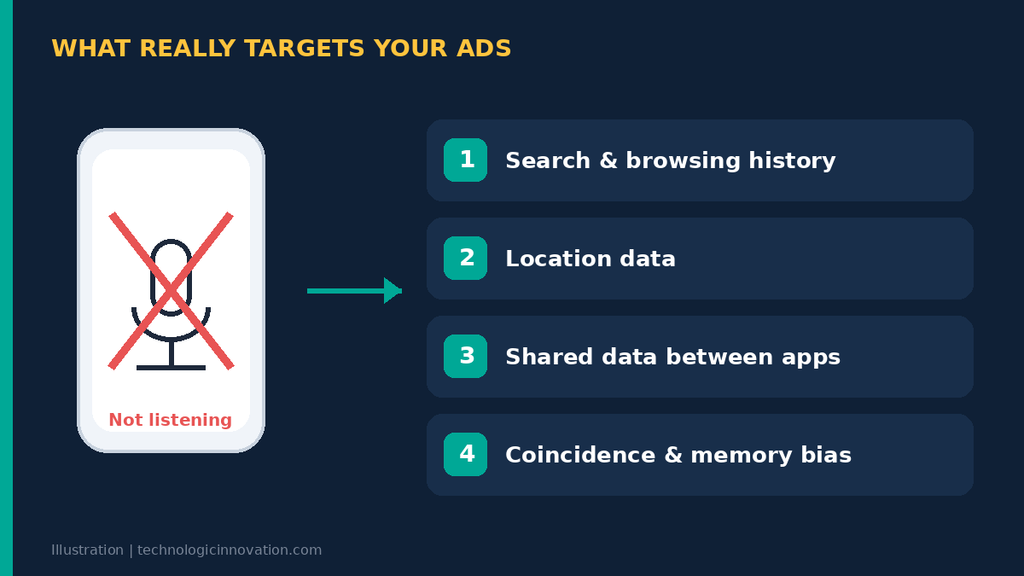
1. Search and Browsing History
If you searched for “running shoes” last week, or even looked at a shopping website once, that information is stored and used to target ads for weeks afterward. You may forget you searched for it. The ad system does not.
2. Location Data
If you walked past a shoe store, or a friend near you searched for the same brand, location and proximity data can influence what ads you see. Apps with location permission share this data with advertising networks more than most people realize.
3. Shared Data Between Apps
Many free apps include small pieces of code called SDKs (software development kits) from advertising companies. These SDKs collect data about your interests and app usage and share it across a network of other apps. So an interest you showed in one app can shape the ads you see in a completely different one.
4. Coincidence and Confirmation Bias
This part matters more than people expect. You have dozens of conversations a day. Most do not result in a matching ad, and you do not notice those. The one time an ad does match, it feels shocking, and you remember it. Our brains are wired to notice patterns, not absences of patterns.
Put these four together, and “the phone is listening” stops being the simplest explanation. It is actually one of the least likely ones.
See It for Yourself: Check What Ad Networks Know About You
This is the part most articles skip. You can check, right now, what interests Google and Facebook have assigned to you.
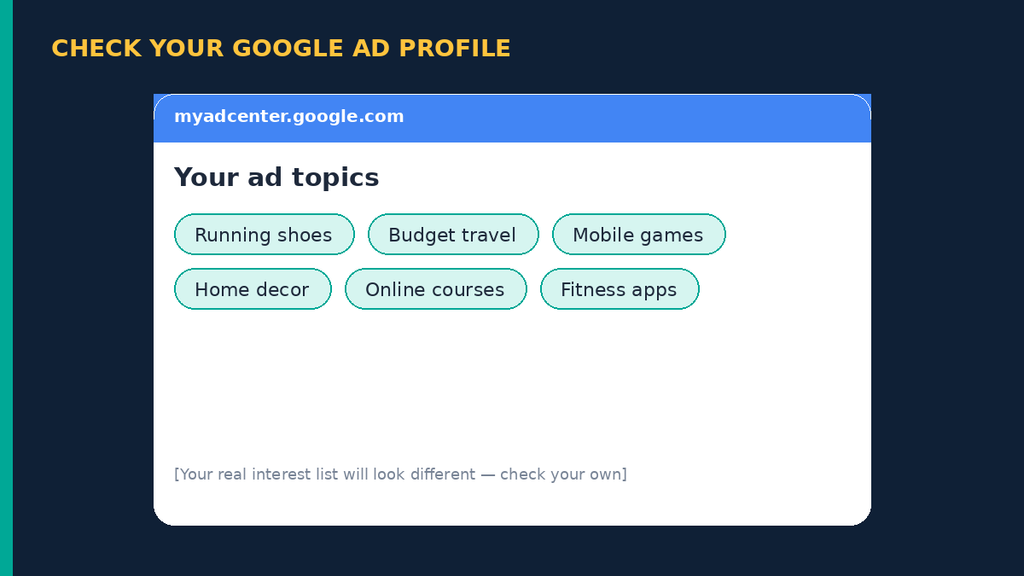
Check Your Google Ad Profile
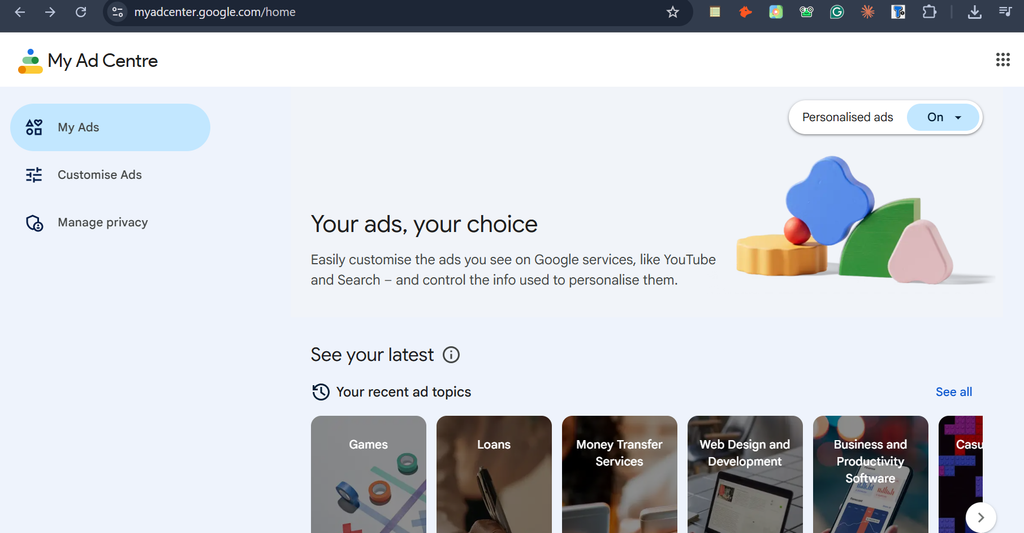
- Go to
myadcenter.google.comin your browser. - Sign in with your Google account.
- You will see a list of “interests” Google has built for you, based on your searches, YouTube history, and app activity.
Check Your Facebook Ad Preferences
- Open Facebook, go to Settings → Ad Preferences.
- Tap Interest categories, then Ad settings.
- You will see a similarly detailed list, along with which advertisers have uploaded your contact information.
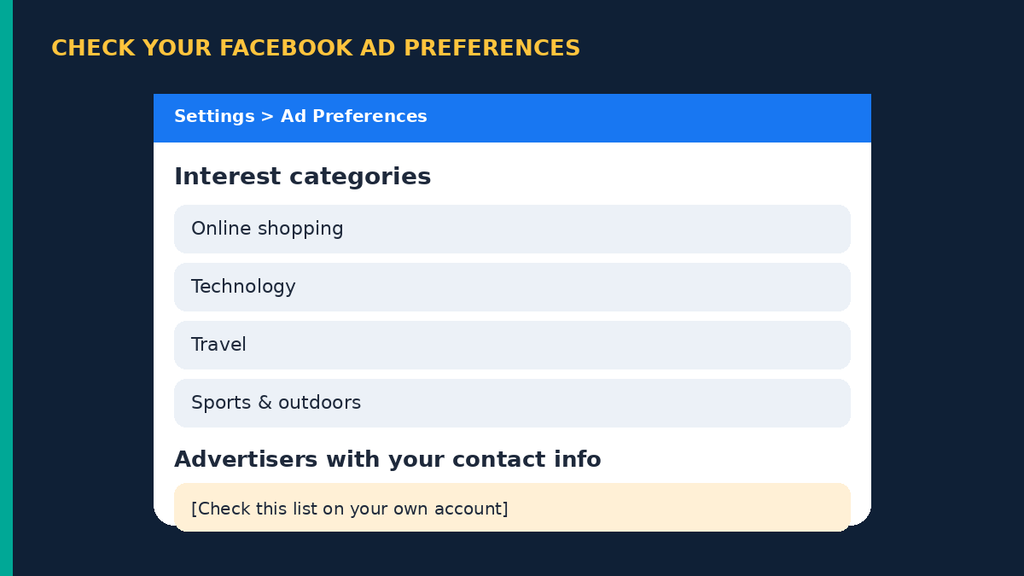
Most people are surprised by how accurate, and how old, some of these interests are. This is the actual “spy” in your pocket, and it is not your microphone.
How to Reduce Targeted Ads: 5 Settings That Actually Help
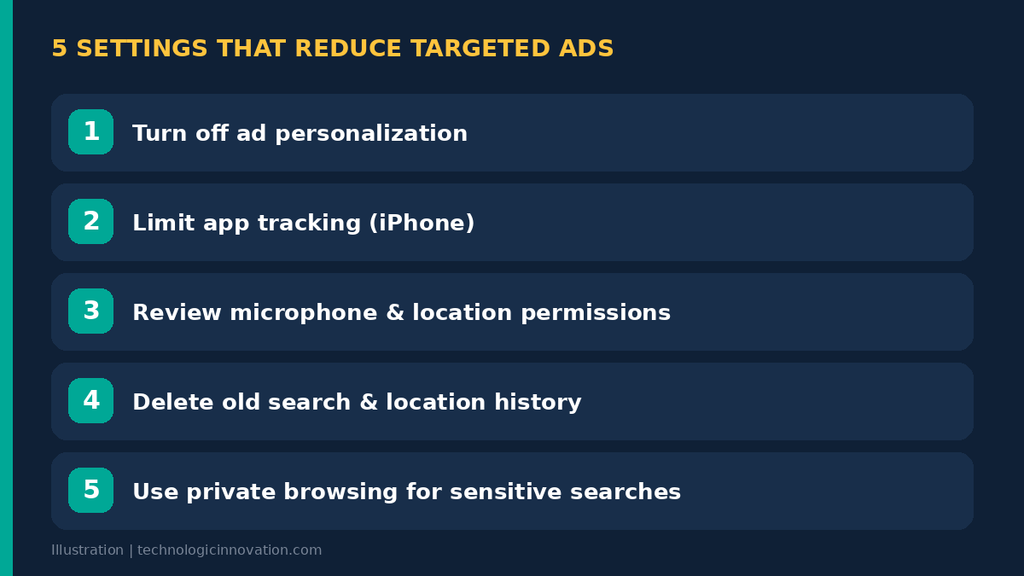
1. Turn Off Ad Personalization
In both Google Ad Center and Facebook Ad Preferences, there is a toggle to turn off personalized ads. This does not stop ads completely, but it stops them from using your personal data.
2. Limit App Tracking (iPhone)
Go to Settings → Privacy & Security → Tracking and turn off Allow Apps to Request to Track. This blocks most cross-app ad tracking at the system level.
3. Review App Permissions (Android and iPhone)
Go to Settings → Privacy → Microphone / Location and check which apps have access. Remove microphone and location access from apps that do not need it, such as games or flashlight apps.
4. Delete Old Search and Location History
In your Google Account, go to My Activity and delete history older than a few months. Less stored history means less material for ad targeting.
5. Use Private Browsing for Sensitive Searches
For anything you do not want to be tracked, such as gift shopping or medical questions, use your browser’s private or incognito mode.
Conclusion
Your phone is not secretly listening to your conversations to sell you shoes. It does not need to. Your search history, location, and the web of apps sharing data already build a profile detailed enough to feel like mind reading.
The real fix is not paranoia about your microphone. It is checking your actual ad settings, cleaning up old history, and limiting which apps can track you across the internet.
Related Reading
- How to Spot AI Voice and WhatsApp Scams in 2026
- Cybersecurity Threats to Watch Out for in 2025.
- Why AI Chatbots Hallucinate: The Simple Explanation
Frequently Asked Questions
Q:01.Is it illegal for apps to listen to me for ads?
In most countries, yes, this would violate privacy law and app store rules. This is one of the main reasons researchers believe it is not happening at scale.
Q:02.Why do ads still feel so accurate then?
Because search history, location, and shared app data together create a very detailed profile, often more detailed than people expect.
Q:03.Should I turn off my microphone completely?
You do not need to. It is more useful to check app permissions individually and remove microphone access from apps that clearly do not need it.
Q:04.Does this apply to smart speakers too?
Smart speakers like Alexa or Google Home do process audio to detect their wake word, and recordings after that point can be reviewed. That is a different system from phone microphones being used for ad targeting, and it is worth checking those app permissions separately.
Q:05.How often should I check my ad settings?
Checking every few months is enough for most people. It only takes about two minutes.