
Your phone rings. It is your cousin, and he sounds panicked. He says he is in trouble and needs money right now. The voice sounds exactly like him.
But it is not him.
Scammers now use AI tools that can copy a person’s voice from a short audio clip, such as a voice note or a video posted online. They pair it with fake WhatsApp messages and old-fashioned pressure tricks. The result feels real, even to careful people.
This guide explains how these scams work, how to spot them, and how to protect yourself. You do not need to be technical. If you can use WhatsApp, you can follow every step.
What Is an AI Voice Scam?
An AI voice scam happens when a criminal uses software to imitate the voice of someone you know. It might be a family member, a boss, or a friend.
The scammer needs very little to start. A few seconds of audio from a public video, a voice note, or a social media clip can be enough for some tools. Then they call you or send a voice message and ask for something urgent, usually money or a code.
The technology is new, but the trick is old: they create panic so you stop thinking.
The 3 Most Common Scams
1. The “Family in Trouble” Call
Someone calls or sends a voice note in a familiar voice. They say there was an accident, an arrest, or a lost wallet. They ask you to send money fast, often to an account you have never seen.
2. The WhatsApp Verification Code Scam
You get a message from a contact (often a hacked account) that says: “I sent you a code by mistake; can you send it back?” That code is your own WhatsApp login code. If you share it, the scammer takes over your account and then messages your contacts as you.
3. Fake Job and “Online Earning” Offers
A stranger messages you about an easy job. “Like videos and earn money.” “Invest a small amount and get double.” They may pay a tiny amount at first to earn your trust, then ask for bigger payments. You never get the profit back.
5 Warning Signs of a Scam
Learn these five. They apply to almost every scam.
- Pressure to act fast. “Do it now,” “there is no time,” “do not tell anyone.”
- A request for money or a code. Real friends rarely ask for a verification code.
- A new number or a strange contact. The person says, “I lost my phone; this is my new number.”
- A suspicious link. Short links, misspelled websites, or a link to “verify” something.
- An unusual payment method. Gift cards, crypto, or transfers to a personal account.
If even one of these appears, stop and check before you do anything.
What to Do When You Suspect a Scam
Follow these steps in order:
- Do not send money or codes. Nothing is that urgent.
- Hang up. End the call or stop replying.
- Call the person back on the number you already have saved. Not the new number, and not the number in the message.
- Ask a question only the real person can answer. For example, “What did we eat last time we met?”
- Tell another family member. Scammers depend on you staying alone and scared.
A simple family trick: agree on a secret word with your close family. If someone calls with an emergency, ask for the word. A cloned voice will not know it.
4 WhatsApp Settings That Protect You
These settings take about five minutes. Menu names can differ slightly between phone versions.
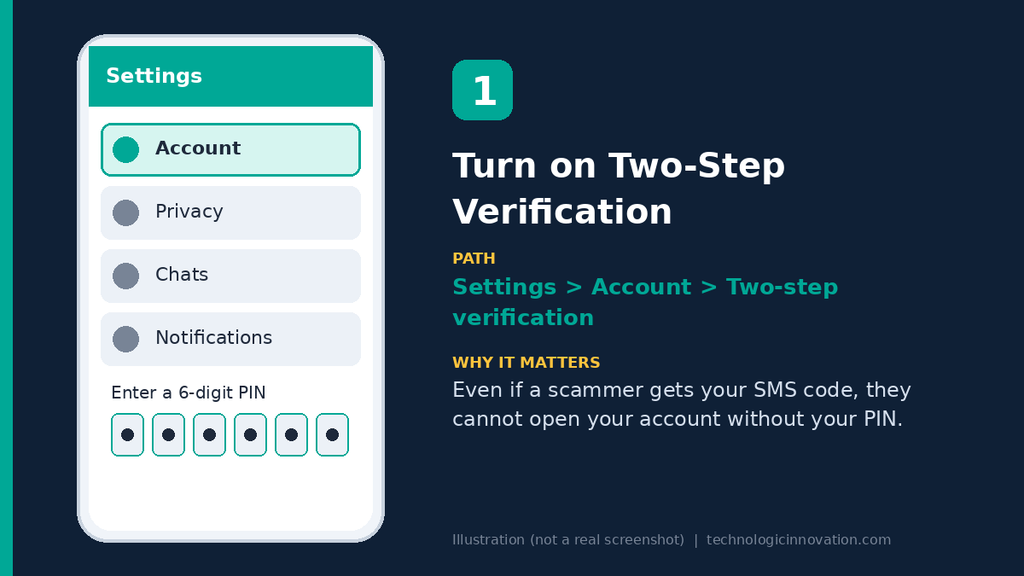
1. Turn on Two-Step Verification
Go to Settings → Account → Two-step verification and set a six-digit PIN. This is the most important setting. Even if someone gets your code, they cannot enter your account without this PIN. Do not use your birth year or “123456.”
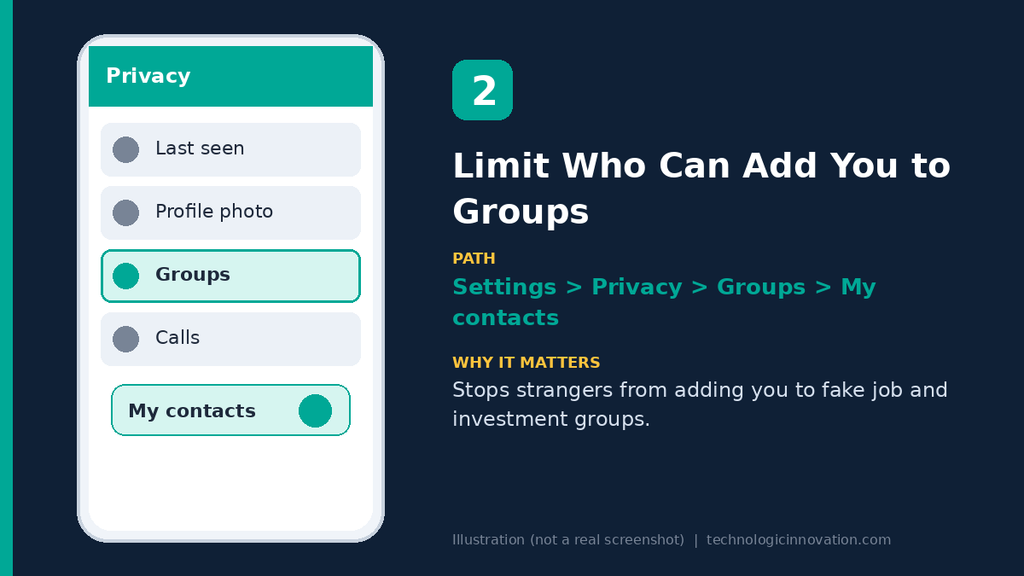
2. Limit Who Can Add You to Groups
Go to Settings → Privacy → Groups and choose My Contacts. This stops strangers from adding you to fake investment or job groups.
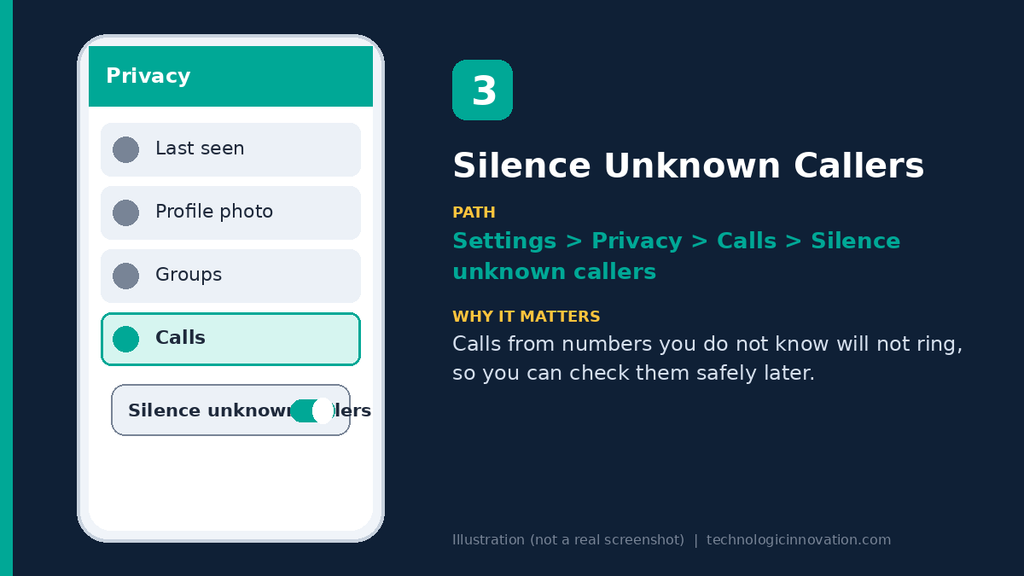
3. Silence Unknown Callers
Go to Settings → Privacy → Calls and turn on Silence unknown callers. Calls from numbers not in your contacts will not ring, so you can check them later.
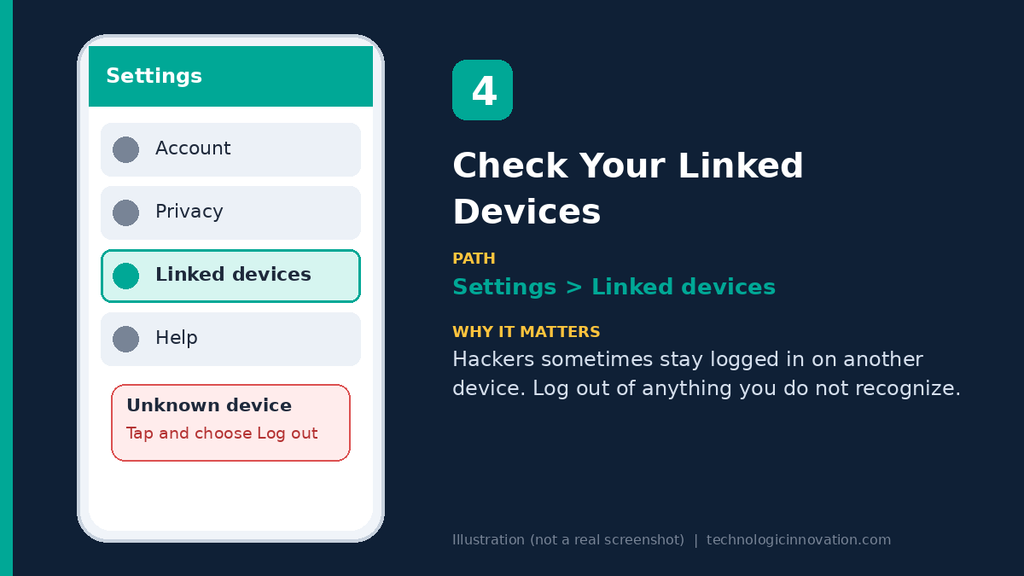
4. Check Your Linked Devices
Go to Settings → Linked devices. If you see a device you do not recognize, tap it and choose Log out. This is how some hackers quietly watch your chats.
What to Do If Your Account Is Hacked
If you think someone took over your WhatsApp:
- Reinstall WhatsApp and log in again with your number. You will get a new code by SMS.
- Turn on two-step verification right away.
- Check Linked devices and log out of anything unknown.
- Warn your contacts by SMS, a call, or another app. Tell them not to send money or codes to your number.
- Contact WhatsApp support from Settings → Help if you cannot get back in.
- Report the scam to your local cybercrime authority. In Pakistan, that is the FIA Cyber Crime Wing.
If you already sent money, contact your bank or payment app immediately. Fast action gives you a better chance of stopping the transfer.
How to Protect Your Voice Online
You cannot hide completely, but you can reduce the risk:
- Keep social media accounts private where possible.
- Avoid posting long videos of yourself speaking on public profiles.
- Do not answer unknown calls with long conversations. Let them leave a message.
- Teach older family members. Parents and grandparents are common targets.
Related Reading
- How to Tell If a Photo Is AI-Generated (Simple Tricks Anyone Can Use)
- Cybersecurity Threats to Watch Out for in 2025.
- Why AI Chatbots Hallucinate: The Simple Explanation
Frequently Asked Questions
Q:01.Can AI really copy my voice?
Yes. Some tools can create a convincing copy from a short audio sample. Quality varies, but it can be good enough to fool worried, rushed people.
Q:02.How can I tell if a voice is fake?
It can be hard. Listen for odd pauses, strange emotion, or a voice that avoids answering direct questions. The most reliable test is not the voice. It is whether they ask for money or codes.
Q:03.Is it safe to share my WhatsApp verification code with friends?
No. Never share it with anyone, even someone you know. WhatsApp will never ask you for it.
Q:04.What should I do if a family member asks for money on WhatsApp?
Call them on their saved number. If you cannot reach them, ask another family member to confirm.
Q:05.Should I reply to scammers to waste their time?
No. Replying tells them your number is active, and you may get more scam attempts.
Conclusion
AI has made scams more convincing, but the defense is simple: slow down and verify. No real emergency is solved by sending a code or money to a stranger in the next five minutes.
Turn on two-step verification today, agree on a secret word with your family, and share this guide with someone who might be at risk.