
Introduction
Canva is a great design tool, but it’s not the only option—especially if you’re looking for free alternatives.
In 2026, many beginner-friendly tools offer similar features without any cost. Some even provide unique advantages that Canva doesn’t.
This guide will help you find the best free Canva alternatives for beginners.
What Makes a Good Canva Alternative?
Before choosing a tool, beginners should focus on a few important things:
- Simple and easy interface
- Free access to templates
- No design experience required
- Fast performance
- Basic editing and export features
These factors ensure you can create designs quickly without confusion.
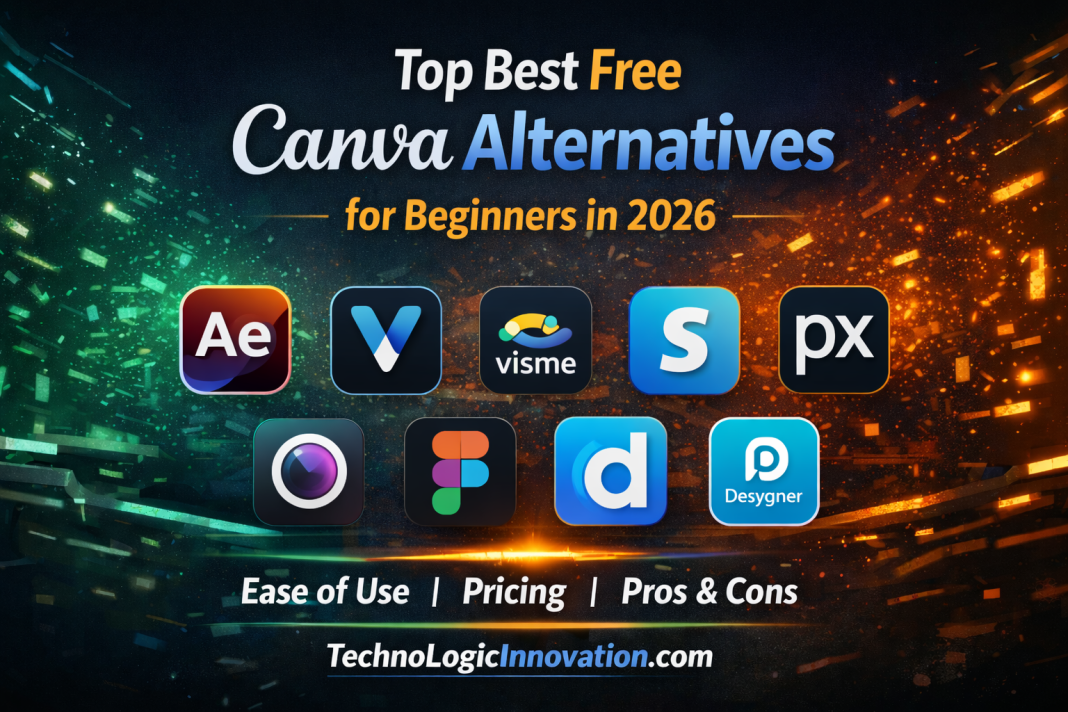
Top Free Canva Alternatives for Beginners
1. Adobe Express – Best Overall Free Alternative
Adobe Express is one of the strongest free competitors to Canva.
It offers a clean interface and high-quality templates suitable for beginners.
Key features:
- Free templates and design assets
- AI-powered tools
- Easy drag-and-drop editor
Best for: Users who want Canva-like features with better design quality
2. VistaCreate – Closest to Canva
VistaCreate is almost identical to Canva in terms of layout and usability.
It’s perfect if you want a familiar experience.
Key features:
- Thousands of free templates
- Animation support
- Social media design tools
Best for: Beginners switching from Canva
3. Visme – Best for Presentations
Visme focuses more on presentations and infographics.
It’s a great option for students and professionals.
Key features:
- Infographic templates
- Presentation builder
- Data visualization tools
Best for: Educational and business use
4. Snappa – Fastest Design Tool
Snappa is built for speed and simplicity.
You can create designs quickly without distractions.
Key features:
- Simple interface
- Quick export options
- Social media templates
Best for: Quick and simple graphics
5. Pixlr – Best Free Photo Editor
Pixlr is ideal for users who want better image editing tools.
It works directly in your browser.
Key features:
- Advanced photo editing
- Background remover
- Layer support
Best for: Image-focused editing
6. Figma – Best for Collaboration
Figma is widely used for team-based design work.
It also works well for beginners doing basic design tasks.
Key features:
- Real-time collaboration
- Cloud-based editing
- UI design tools
Best for: Team projects
7. Desygner – Easiest for Beginners
Desygner is one of the simplest design tools available.
It’s ideal for users with no design experience at all.
Key features:
- Drag-and-drop editor
- Mobile-friendly
- Free templates
Best for: Absolute beginners
Quick Comparison Table
| Tool | Best For | Ease of Use | Free Plan |
|---|---|---|---|
| Adobe Express | Overall use | Easy | Yes |
| VistaCreate | Canva-like experience | Very Easy | Yes |
| Visme | Presentations | Easy | Yes |
| Snappa | Fast designs | Very Easy | Yes |
| Pixlr | Photo editing | Medium | Yes |
| Figma | Collaboration | Medium | Yes |
| Desygner | Beginners | Very Easy | Yes |
Real-World Use Case
A beginner starting a small online business can:
- Use Adobe Express for social media posts
- Use Pixlr for product photo editing
- Use Visme for presentations
This combination covers almost all design needs without spending money.
FAQs
Q: 01 What is the best free Canva alternative in 2026?
Adobe Express is considered the best overall free alternative for beginners.
Q: 02 Which tool is most similar to Canva?
VistaCreate is the closest in terms of interface and features.
Q: 03 Are these tools completely free?
Most offer free plans, but some features may require upgrades.
Q: 04 Which tool is best for photo editing?
Pixlr is the best free option for editing images.
Related Reading
- New ChatGPT Update Limits Personal Advice, Encourages Breaks.
- ChatGPT Adds Safety Features After Stanford Study Warnings.
- Why ChatGPT Is Not Working & How to Fix It
Conclusion
If you want a simple Canva replacement, Adobe Express and VistaCreate are the best choices.
If you need specific features:
- Presentations → Visme
- Fast design → Snappa
- Photo editing → Pixlr
The smartest approach is to test a few tools and choose what fits your workflow.