


Introduction
Every iOS release used to be judged mainly on visual redesigns and new camera features. iOS 26 continues that tradition, but the more significant story is how deeply AI has been woven into the operating system’s core functionality rather than existing as a separate, bolted-on feature. Here’s a practical look at what actually changed and what it means for everyday use.
Deeper Apple Intelligence Integration
iOS 26 expands Apple Intelligence’s presence across more system apps and third-party app integrations, building on the foundation introduced with iOS 18. Writing tools, smart photo editing, and contextual Siri assistance now extend into a wider range of apps, with more consistent behavior across the system rather than feeling like a separate layer bolted onto specific apps.
Enhanced Siri Capabilities
Siri’s contextual understanding has continued to improve, with better on-screen awareness (understanding what’s currently displayed to answer more relevant questions) and improved handling of multi-step requests that span multiple apps. This has been an area of steady, incremental improvement across recent iOS versions rather than one dramatic leap, but the cumulative effect makes voice interaction noticeably more reliable than it was just a couple of years ago.
Redesigned Control Center and Notifications
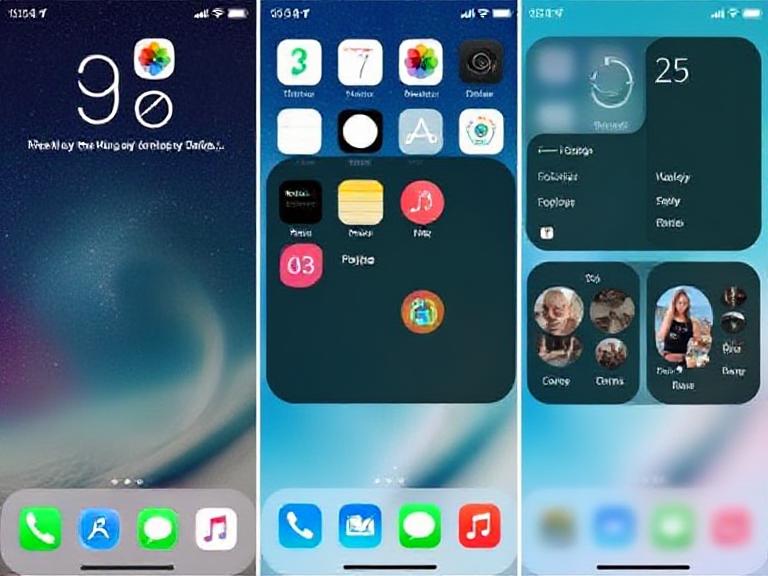
iOS 26 refines the Control Center and notification system with more customizable quick-access controls and smarter notification grouping that uses on-device intelligence to prioritize what’s actually time-sensitive. This addresses a long-standing complaint about notification overload by handling more of the triage automatically rather than leaving users to manually manage an unfiltered stream.
Privacy and Security Enhancements
Apple continues to emphasize privacy as a core differentiator, with iOS 26 including expanded on-device processing options and more granular permission controls for apps requesting access to AI-related features. This reflects Apple’s broader strategy of positioning privacy-focused, on-device AI processing as a meaningful differentiator against competitors relying more heavily on cloud processing.
Performance and Battery Improvements
As with most iOS releases, underlying performance optimizations and battery management improvements are included, though these tend to be less immediately noticeable than feature additions. Devices running the latest chip generations generally see the most benefit from these under-the-hood improvements.
App Ecosystem Changes
iOS 26 continues to refine how third-party apps can integrate with system-level AI features, giving developers more structured ways to build Apple Intelligence capabilities into their own apps rather than requiring users to rely solely on Apple’s built-in implementations.
Should You Update to iOS 26?
For most users with supported devices, updating is generally worthwhile — the accumulated improvements to Siri, notification management, and Apple Intelligence integration provide genuine day-to-day value. Users on older devices without full Apple Intelligence hardware support will still receive core system updates and security patches, though some of the more advanced AI features will remain unavailable given the on-device processing requirements.
Conclusion
iOS 26 represents continued, incremental refinement of Apple’s AI-integrated approach to mobile software rather than a dramatic reinvention. The improvements to Siri, notification management, and cross-app Apple Intelligence integration reflect steady progress on Apple’s stated priorities — privacy-focused, on-device AI woven directly into daily use — rather than a race to match competitors’ most powerful cloud-based AI capabilities feature-for-feature.
FAQs
Q:01. What are the biggest new features in iOS 26? Deeper Apple Intelligence integration across more apps, enhanced Siri contextual understanding, redesigned notification management, and expanded privacy controls are among the most significant updates.
Q:02. Does iOS 26 work on older iPhones? Core system updates and security patches are generally available on supported older devices, though more advanced Apple Intelligence features require newer hardware with sufficient on-device processing capability.
Q:03. Is iOS 26 worth updating to? For most users with supported devices, yes — the cumulative improvements to Siri, notifications, and AI integration provide genuine everyday value, though the update isn’t a dramatic reinvention of the iPhone experience.
Q:04. How does iOS 26 improve privacy? It expands on-device processing options and adds more granular permission controls for AI-related app features, continuing Apple’s emphasis on privacy as a core differentiator.
Q:05. Can third-party apps use Apple Intelligence features in iOS 26? Yes, developers have more structured ways to integrate Apple Intelligence capabilities into their own apps, rather than users relying solely on Apple’s built-in implementations.


