


Introduction
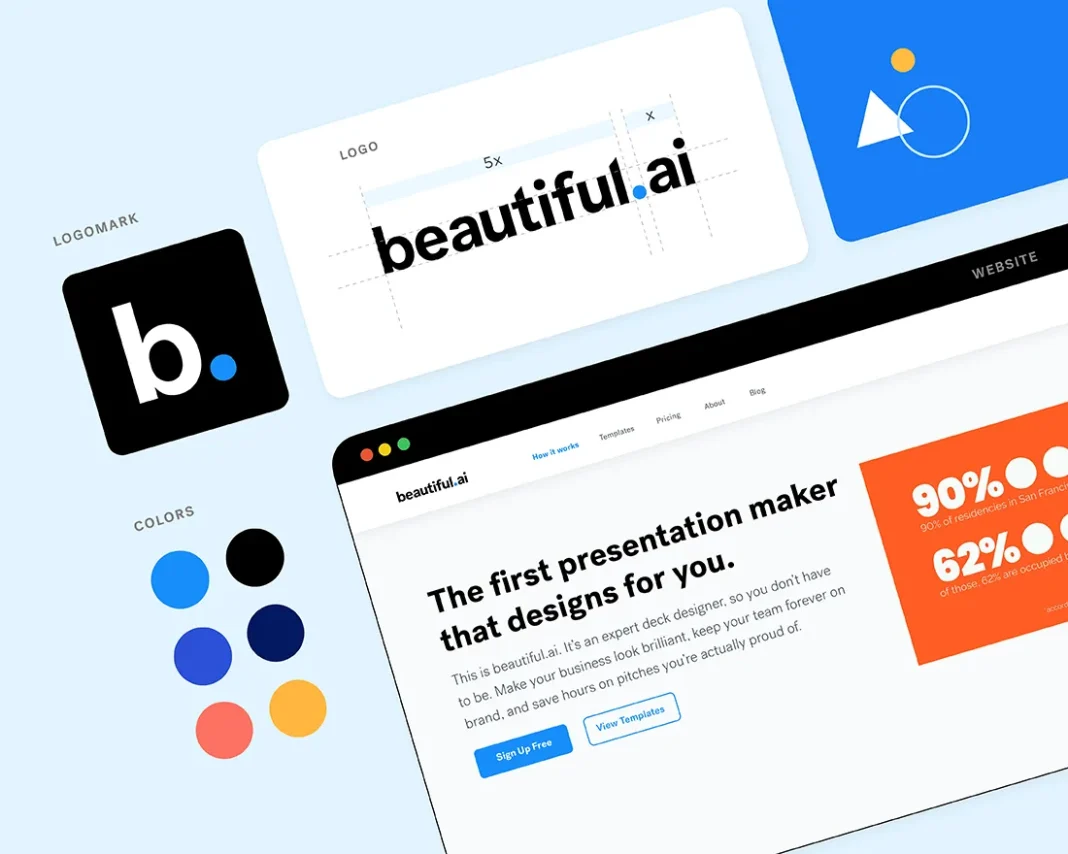
In today’s digital age, delivering attractive presentations is critical for business executives, educators, and marketers. Beautiful AI is changing the way presentations are created by using artificial intelligence to automate formatting, layouts, and design enhancements. Beautiful AI’s clever capabilities allow users to easily create visually appealing slides.
This article delves into Beautiful AI’s core features, benefits, and how it is transforming presentation production.
What is Beautiful AI?
Beautiful AI is an AI-powered presentation tool that automates slide design, resulting in professional, engaging, and visually appealing presentations. Unlike typical presentation software, Beautiful AI employs smart design concepts to automatically alter items, assuring balance and visual attractiveness while requiring no user tweaks.
Key Features of Beautiful AI
AI-Powered Slide Formatting
- Automatically adjusts text, images, and layouts for a polished look.
- Smart templates adapt to content for visually balanced slides.
- Eliminates the need for manual resizing and alignment.
Smart Templates and Customizable Themes
- A vast library of pre-designed templates for various industries.
- AI adjusts slides based on content to maintain consistency.
- Users can customize themes, colors, and fonts.
Real-Time Collaboration
- Team members can work on presentations simultaneously.
- Cloud-based platform allows easy access and sharing.
- Version control and commenting features for seamless teamwork.
Dynamic Data Visualization
- AI-powered charts, graphs, and infographics for data presentation.
- Automatically updates visuals when data changes.
- Customizable analytics dashboards.
Seamless Integration with Other Tools
- Compatible with PowerPoint, Google Slides, and business apps.
- Imports and exports presentations effortlessly.
- Supports media embedding for rich content.
Benefits of Using Beautiful AI
- Time-Saving – AI automates design, allowing users to focus on content.
- Professional-Quality Presentations – Ensures visually appealing slides without design skills.
- Consistent Branding – Keeps all slides aligned with brand guidelines.
- Enhanced Collaboration – Enables remote teams to work together efficiently.
- Data-Driven Insights – Simplifies complex data presentation with AI-generated visuals.
Use Cases for Beautiful AI
- Business & Corporate Presentations – Create impactful sales pitches and reports.
- Marketing & Branding – Design visually appealing marketing materials.
- Educational & Training Modules – Develop engaging e-learning presentations.
- Startups & Investors – Build compelling pitch decks to attract funding.
How to Get Started with Beautiful AI
- Sign Up – Create an account on the Beautiful AI website.
- Select a Template – Choose from AI-generated smart templates.
- Add Content – Insert text, images, and charts.
- Let AI Optimize Your Slides – Watch AI adjust elements for a professional look.
- Collaborate & Share – Work with your team and export the final presentation.
The Future of AI-Powered Presentations
Beautiful AI is anticipated to deliver increasingly advanced features as AI advances, including voice-assisted slide creation, AI-driven storytelling, and real-time content suggestions. These technologies will improve how users prepare and deliver presentations.
Conclusion
Beautiful AI is changing the way presentations are created by making professional-quality slides available to anyone. Whether you’re a business professional, educator, or marketer, this AI-powered platform simplifies the presenting process and produces visually spectacular results with no effort.


