

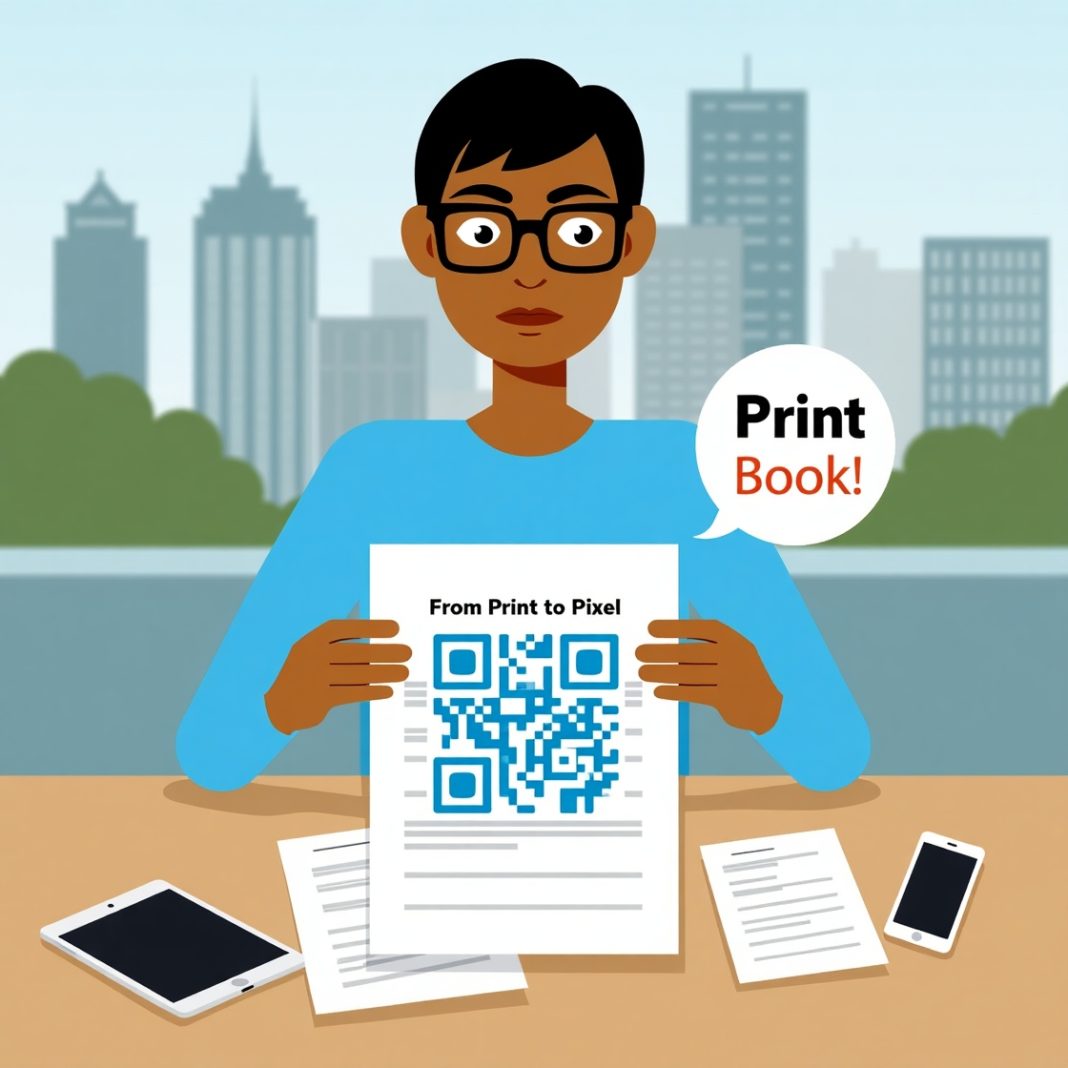

Introduction: A Simple Scan, A World of Connection
Think about the last time you saw a flyer, brochure, or poster. Did it have a QR code? Chances are, it did. With just one scan, a static piece of paper transforms into a dynamic gateway to the digital world. That’s the power of PDF QR codes—a bridge between offline and online engagement.
What Are PDF QR Codes?
PDF QR codes are scannable barcodes that instantly link users to a digital PDF file. Instead of carrying stacks of brochures or manuals, a single code lets people download, view, and share documents in seconds.
Why Businesses Love Them
- Convenience: Replace bulky print material with one scannable link.
- Accessibility: Readers can access documents on their smartphones anywhere.
- Sustainability: Save paper, printing costs, and reduce waste.
The Offline-to-Online Bridge
In marketing, connecting physical touchpoints with digital engagement is often challenging. PDF QR codes make it seamless. A printed poster can direct people to:
- Product catalogs
- Restaurant menus
- Event schedules
- User manuals
- Whitepapers or reports
Instead of overwhelming readers with too much print detail, a simple scan delivers extended information online.
Real-World Examples of PDF QR Codes in Action
1. Retail and Product Packaging
A clothing brand prints a QR code on tags. Customers scan it to access styling guides, washing instructions, or seasonal lookbooks in PDF format.
2. Education
Universities include PDF QR codes on brochures. Students scan to get detailed course outlines, admission forms, or event guides—no heavy catalogs needed.
3. Events and Conferences
Event organizers print QR codes on tickets or banners. Attendees scan to access the full event schedule or speaker bios in one neat PDF.
4. Healthcare
Hospitals provide QR codes on prescription bags. Patients scan to view dosage instructions or medical guidelines in PDF form—reducing errors and ensuring clarity.
Benefits That Go Beyond Paper
Cost Savings
No need to reprint updated documents. Just replace the linked PDF, and the same code delivers new information.
Enhanced Engagement
Instead of static text, users get interactive PDFs with links, visuals, and forms.
Easy Analytics
Many QR code generators offer tracking. Businesses can measure scans, user location, and engagement levels—valuable data for refining strategies.
How to Create a PDF QR Code (Step-by-Step)
- Choose a reliable QR code generator.
- Upload your PDF file.
- Customize the QR design to match your branding.
- Download and print the QR code.
- Place it on brochures, posters, or product packaging.
Pro tip: Always test the code before mass printing.
Best Practices for Using PDF QR Codes
- Keep the design simple: Busy patterns can make scanning harder.
- Place them strategically: Eye-level placement works better than corners.
- Add a call-to-action (CTA): “Scan for full menu” or “Get the complete guide.”
- Ensure mobile-friendliness: PDFs should be optimized for small screens.
Conclusion: Print Meets Digital Seamlessly
PDF QR codes are more than a marketing tool—they’re a smart way to bridge offline experiences with digital engagement. From saving costs to boosting interaction, they offer businesses and individuals a powerful solution.
If you’re still relying solely on traditional print, now’s the time to add a digital layer. Start small—add a QR code to your next flyer—and watch how a simple scan transforms the way people engage with your content.
Related Reading
- Swap Social Media for Growth: Top Apps That Beat Digital Overload.
- From Mindless Scrolling to Mindful Living: 8 Apps That Help
- Revolution in Quantum Tech: Universal Logic Gate Achieved Inside One Atom
FAQs About PDF QR Codes
1. Can a single QR code link to updated PDFs?
Yes, dynamic QR codes let you replace the linked file without changing the code.
2. Do users need a special app to scan?
No. Most modern smartphones can scan QR codes directly using the camera.
3. Are PDF QR codes secure?
Yes, you can password-protect your PDFs before linking them.
4. Can I track how many people scan my PDF QR code?
Absolutely. Many QR platforms provide analytics dashboards with scan counts and user data.
5. Are PDF QR codes expensive to use?
Not necessarily. Free versions exist, but businesses often invest in paid tools for advanced features like branding and analytics.


