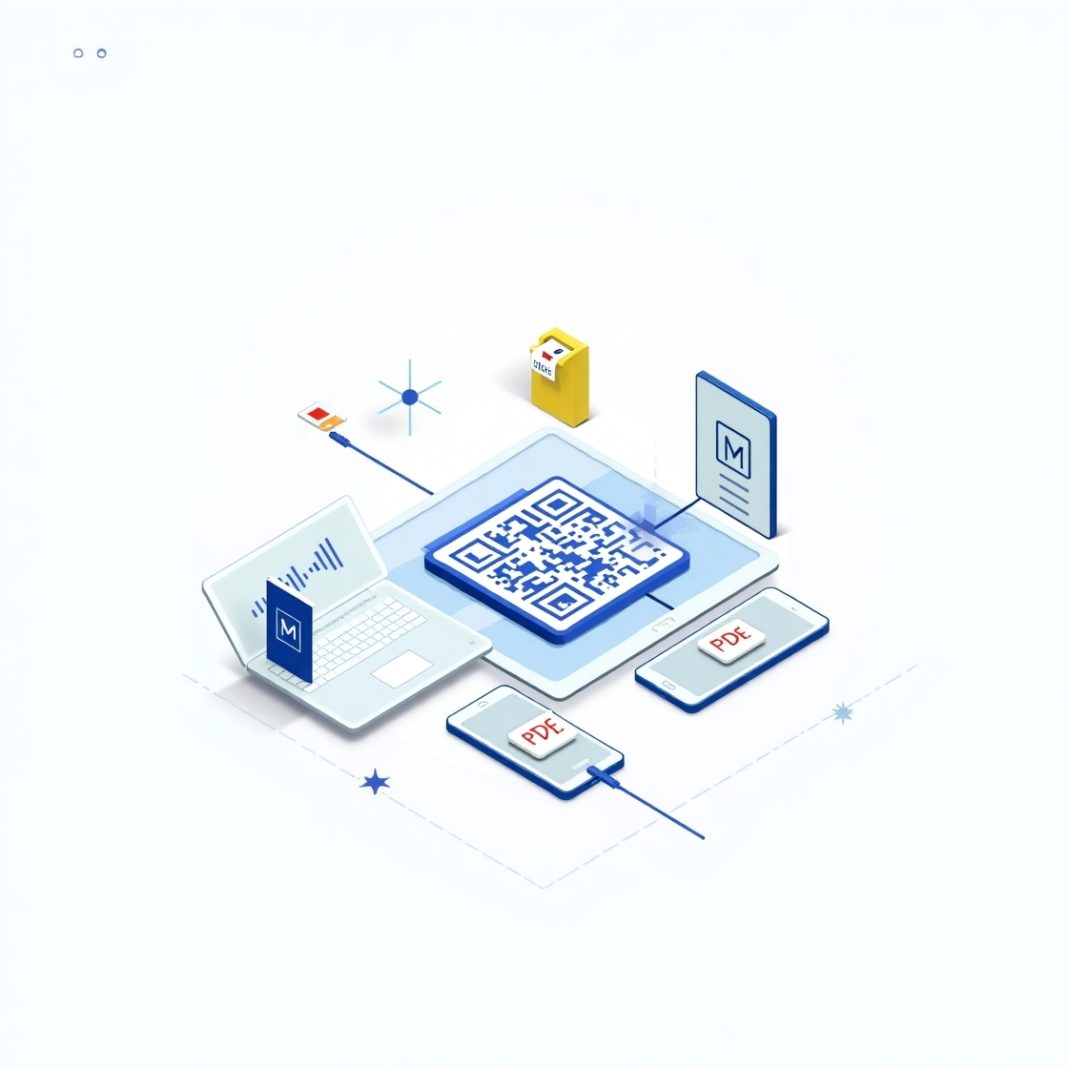
Introduction: The Quiet Revolution of PDF QR Codes
Think about the last time you scanned a QR code. Chances are, it connected you to a website, menu, or product page. But here’s the twist—QR codes are no longer just digital shortcuts. Today, PDF QR codes are emerging as a powerful tool for businesses to share rich, interactive, and detailed content instantly. From product manuals to exclusive guides, these scannable links are reshaping how brands engage with customers.
What Are PDF QR Codes?
A PDF QR code is a type of QR code that, when scanned, opens a PDF file on the user’s device. Unlike traditional static codes, modern QR code generators allow you to:
- Upload any PDF file (brochure, guide, catalog, eBook).
- Update or replace the file without changing the QR code.
- Track scans for insights into customer behavior.
This makes them more than just tech gimmicks—they’re becoming a customer engagement powerhouse.
Why PDF QR Codes Are Game-Changers for Customer Engagement
1. Seamless Access to Information
Customers don’t need to search, type URLs, or download apps. A single scan delivers the exact content they need.
2. Rich and Interactive Content
Unlike plain text, a PDF allows for visuals, product details, pricing, and instructions—all in one document.
3. Cost and Time Efficiency
Instead of printing and reprinting brochures, businesses can update PDFs online. One QR code, infinite updates.
4. Data-Driven Insights
Dynamic PDF QR codes let businesses track:
- Number of scans
- Time of day
- Device type
- Customer location
This data helps refine marketing strategies.
Real-World Examples of PDF QR Codes in Action
- Retail: Clothing brands embed PDF QR codes on tags, giving customers access to size guides and styling tips.
- Restaurants: Menus updated in real-time through QR-linked PDFs, cutting down printing costs.
- Healthcare: Hospitals use PDF QR codes for patient information leaflets in multiple languages.
- Education: Universities provide PDF QR codes for course catalogs and exam schedules.
How Businesses Can Leverage PDF QR Codes
Step 1: Define the Purpose
Decide whether you want to share a product guide, a case study, or onboarding instructions.
Step 2: Use a Reliable QR Code Generator
Choose a platform that offers:
- Dynamic QR updates
- Analytics dashboard
- Branding options (logo, colors)
Step 3: Placement Matters
Add QR codes where customers naturally engage:
- Product packaging
- Store displays
- Business cards
- Email newsletters
Step 4: Promote Usage
Encourage customers to scan by adding clear CTAs like:
👉 “Scan to Download Your Free Guide”
Common Mistakes to Avoid
- Linking outdated PDFs with broken links
- Using low-quality QR codes that don’t scan easily
- Forgetting to optimize PDFs for mobile viewing
- Overloading customers with overly long or confusing documents
Conclusion: The Future of Customer Engagement Is Scannable
PDF QR codes are more than a tech trend—they’re becoming a cornerstone of modern digital customer engagement strategies. By providing instant, detailed, and interactive content, businesses can connect with customers in a way that feels effortless and value-driven.
If your brand hasn’t embraced PDF QR codes yet, now is the perfect time. After all, in today’s fast-moving digital landscape, the brands that make information easiest to access are the ones customers remember most.
Related Reading
- Swap Social Media for Growth: Top Apps That Beat Digital Overload.
- From Mindless Scrolling to Mindful Living: 8 Apps That Help
- Tired of Doomscrolling? Try These Positive Alternatives on Your iPhone.
FAQs on PDF QR Codes
Q1: Do users need a special app to scan PDF QR codes?
No. Any smartphone camera can scan QR codes.
Q2: Can I change the PDF after the QR code is printed?
Yes, if you use a dynamic QR code generator.
Q3: Are PDF QR codes safe?
Absolutely, provided the files are hosted securely and not linked to malicious content.
Q4: Do PDF QR codes work offline?
Scanning requires internet access, but once downloaded, the PDF can be accessed offline.