
Introduction
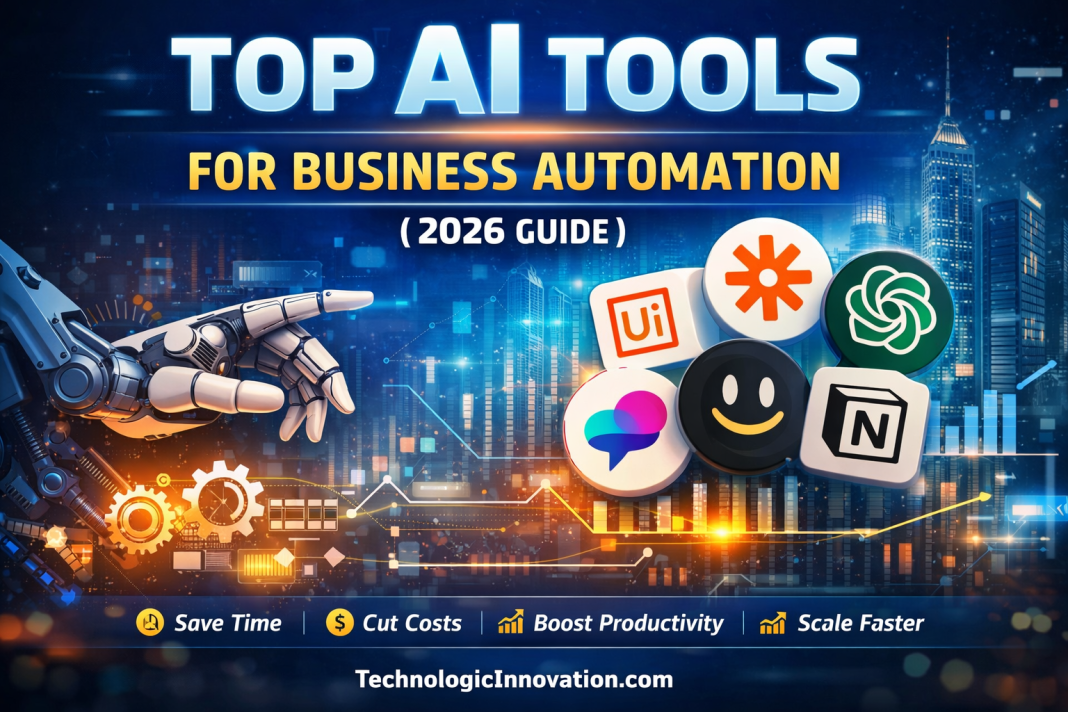
In 2026, running a business without AI automation is like trying to compete while walking backward. Modern businesses use AI to save time, reduce costs, and scale operations efficiently.
AI automation is no longer just a “nice-to-have” feature. It can handle repetitive tasks, analyze massive datasets, provide insights, and even make decisions. Whether you’re a startup or a large enterprise, choosing the right AI tools can transform the way you work.
This guide will cover the top AI tools for business automation, their use cases, benefits, and tips to pick the right one for your business.
What Is AI Business Automation?
AI business automation is the use of artificial intelligence to streamline workflows, reduce manual effort, and improve efficiency. Unlike traditional automation tools, AI can:
- Learn from data and improve over time
- Understand natural language and complex instructions
- Integrate with multiple software platforms seamlessly
Key takeaway: AI doesn’t just follow rules—it makes decisions and optimizes processes, helping your business scale faster.
Categories of AI Business Automation Tools
To make it easier to understand, AI business tools are grouped into four main categories:
- Workflow Automation Tools – Connect multiple apps and automate tasks (e.g., Zapier, Make).
- Productivity & Collaboration AI – Enhance team collaboration and document management (e.g., Notion AI).
- Customer Support & Communication AI – Automate customer queries and communication (e.g., ChatGPT, Fireflies.ai).
- Enterprise & Data Automation AI – Handle large-scale processes and data-driven decisions (e.g., UiPath, Claude AI).
Top AI Tools for Business Automation
1. Zapier AI – Best for Workflow Automation
Zapier AI is perfect for connecting apps and automating repetitive tasks without coding.
Key Features:
- Connects 7,000+ apps
- Build workflows with natural language commands
- Real-time notifications and task execution
Use Case:
A marketing team can automatically capture leads from social media ads, send personalized emails, and notify sales teams instantly—without manual input.
Best for: Beginners and small to medium businesses
2. ChatGPT – Best All-in-One AI Assistant
ChatGPT is a versatile AI tool that can assist in multiple areas of business.
Capabilities:
- Generate high-quality content and reports
- Handle customer queries automatically
- Create email campaigns and marketing content
- Analyze business data
Example:
Startups use ChatGPT to manage customer support, create blog posts, and draft social media content, all from a single platform.
Best for: Small businesses to enterprises
3. Make (Make.com) – Best for Advanced Workflows
Make (formerly Integromat) is ideal for businesses with complex automation needs.
Key Features:
- Visual drag-and-drop workflow builder
- Conditional logic for multi-step automation
- Deep integrations with business tools
Use Case:
E-commerce stores automate inventory management, order tracking, and customer notifications seamlessly.
Best for: Medium to large businesses
4. UiPath – Best for Enterprise Automation (RPA)
UiPath specializes in Robotic Process Automation (RPA), automating repetitive enterprise-level tasks.
Capabilities:
- Automate finance, HR, and operations
- Intelligent bots with AI decision-making
- Scalable automation across departments
Best for: Large enterprises
5. Notion AI – Best for Team Productivity
Notion AI is a collaboration and knowledge management tool with AI-powered automation.
Features:
- Summarizes meeting notes and documents
- Generates content and ideas for teams
- Organizes workflows efficiently
Best for: Remote teams and collaborative environments
6. Fireflies.ai – Best for Meeting Automation
Fireflies.ai focuses on capturing and summarizing meetings.
Key Features:
- Records and transcribes meetings
- Highlights action items
- Integrates with Zoom, Teams, and Slack
Use Case:
Sales and project management teams can stay organized without manually taking notes.
Best for: Teams with frequent meetings
7. Claude AI – Best for Data Analysis & Technical Automation
Claude AI excels in advanced data processing and technical tasks.
Features:
- Analyzes complex datasets
- Generates code and scripts
- Processes long-form documents
Best for: Developers, analysts, and technical teams
Comparison Table of AI Tools
| Tool | Category | Best For | Ease of Use | Business Size |
|---|---|---|---|---|
| Zapier AI | Workflow Automation | Simple workflows | ⭐⭐⭐⭐⭐ | Small–Medium |
| ChatGPT | Communication & Productivity | All tasks | ⭐⭐⭐⭐⭐ | All sizes |
| Make | Workflow Automation | Complex workflows | ⭐⭐⭐ | Medium–Large |
| UiPath | Enterprise Automation | RPA & Large processes | ⭐⭐ | Large |
| Notion AI | Productivity | Team collaboration | ⭐⭐⭐⭐⭐ | Small–Medium |
| Fireflies.ai | Meetings | Meeting summaries | ⭐⭐⭐⭐⭐ | All sizes |
| Claude AI | Data Automation | Technical workflows | ⭐⭐⭐⭐ | Medium–Large |
How to Choose the Right AI Tool
Step 1: Identify your business needs
- Do you need simple task automation? → Zapier
- Content generation and support? → ChatGPT
- Complex workflows? → Make
- Large enterprise processes? → UiPath
Step 2: Start small
- Automate one task at a time
- Track results
- Expand gradually
Step 3: Evaluate integrations
- Check if the AI tool connects with your existing software stack
Benefits of AI Automation
- Time Savings – Eliminate repetitive tasks
- Cost Efficiency – Reduce labor and operational costs
- Improved Productivity – Focus on strategic work
- Better Decision-Making – Insights from AI analytics
- Scalability – Grow without hiring large teams
FAQs
Q:01 What is the easiest AI tool for beginners?
A: Zapier AI is beginner-friendly with a simple no-code interface.
Q:02 Can AI fully replace employees?
A: No. AI enhances human work, handling repetitive tasks so your team can focus on strategic work.
Q:03 Which AI tool is best for small businesses?
A: ChatGPT and Zapier AI are ideal for small businesses looking for fast implementation.
Q:04 Are AI tools expensive?
A: Many AI tools offer free plans. Paid versions start around $20/month and scale with usage.
Q:05 Can AI handle enterprise-level automation?
A: Yes, UiPath and Claude AI are designed for large-scale enterprise automation.
Q:06 How do I start with AI automation?
A: Identify one repetitive task, select a suitable AI tool, set it up, and gradually automate more processes.
Related Reading
- Top Marketing Automation Tools
- Why Reactive AI Still Powers Modern Smart Technologie
- AI Affiliate Marketing Guide 2026: Top Programs, Commissions & Passive Income Strategies
Conclusion
AI automation is no longer optional—it is essential for business growth in 2026.
The best approach:
- Start small
- Automate key tasks
- Expand gradually
Businesses that adopt AI early save time, reduce costs, and scale faster than competitors.
Action Step: Choose your first AI tool today and start automating one process immediately.